
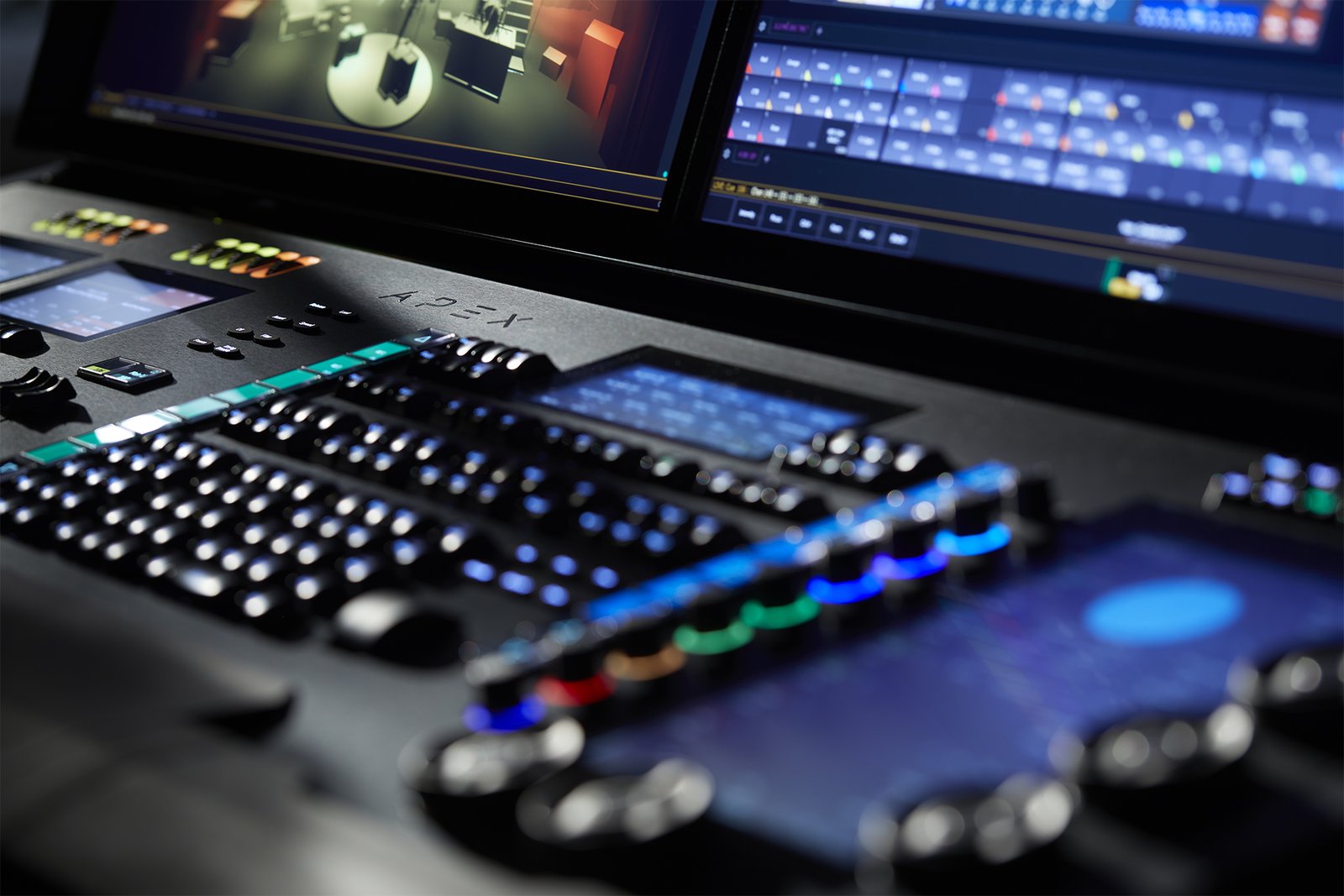
If you work in theatre, one name dominates: ETC (Electronic Theatre Controls) and its Eos family of consoles. From education desks to flagship rigs, the whole range runs the same Eos software — which is the single most important fact about the family, because it means the skills you build on the smallest board carry straight up to the largest. This guide walks through the family and where each model fits. For the wider landscape, see our guide to professional DMX lighting controllers.
The Eos family at a glance
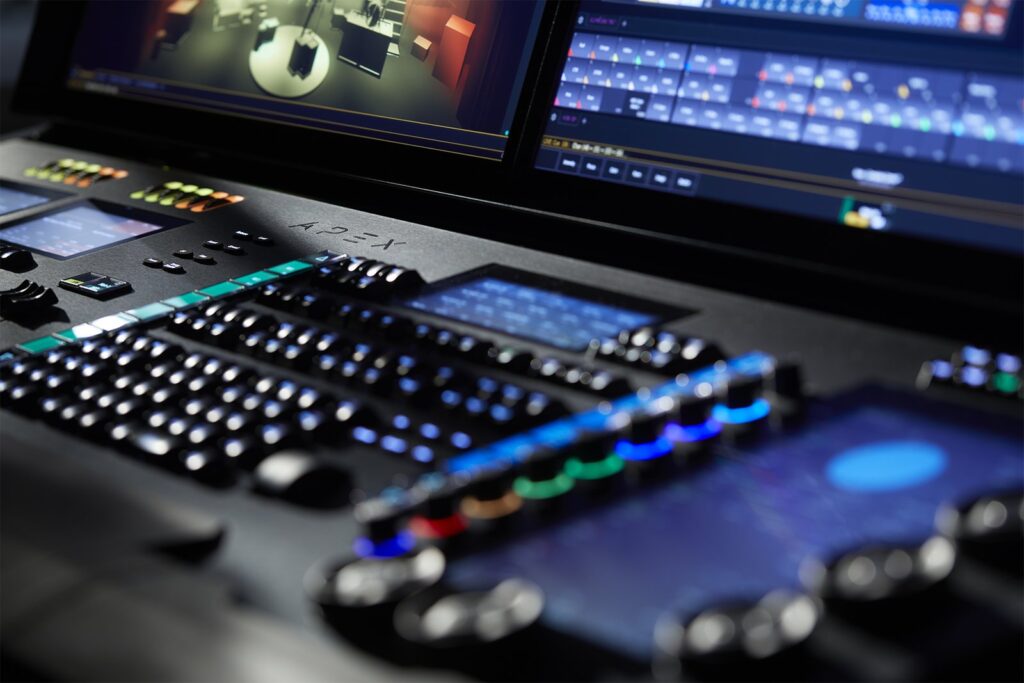
- Eos Apex (5 / 10 / 20) — the flagship; the Apex 20 drives 24,576 outputs for the largest productions.
- Gio @5 — 4,096–24,576 outputs, five motorized faders and an 18.5″ touchscreen; a compact workhorse with flagship reach.
- Ion Xe / Ion Xe 20 — 2,048–12,288 outputs; the Xe 20 adds 20 faders for hands-on submaster control.
- Element 2 — 1,024–6,144 outputs; the entry into the Eos family and a common choice for schools.
- ETCnomad — the Eos software on PC/Mac, for offline programming and learning (see our control software guide).
The pattern is clear: outputs and fader counts climb as you move up the range, but the software and workflow stay identical, so choosing a model is mostly a question of how big a rig you need to drive and how much hands-on surface you want. Specs: etcconnect.com. Prices via a specialist dealer.
Picking a model in the family
Because every desk shares the Eos software, choosing a model comes down to two practical questions: how many outputs your rig needs now and in the near future, and how much physical control surface you want under your hands. A school or small theatre running mostly conventionals and a few LED fixtures is well served by the Element 2, while a busy regional house with moving lights will appreciate the extra outputs and faders of an Ion Xe or Gio @5. Buy for the rig you’re growing into rather than the one you have today, and remember that ETCnomad lets you learn and pre-program on a laptop no matter which console you eventually sit down at.
Why theatre chooses ETC
Eos is built around cue-based (tracking) operation — write a show once, play it back identically every night — which is exactly what theatre, opera and dance need. Tracking means a value stays put until you deliberately change it, so editing a large cue stack becomes fast and surgical rather than a matter of re-recording every state. Add proven reliability in institutional venues and a coherent ecosystem (Source Four fixtures, dimmers, networking that all speak the same language), and you have a platform people learn once and use everywhere. That combination of a purpose-built workflow and industry ubiquity is why a designer trained on Eos can walk into venue after venue already fluent.
ColorSource is not Eos
ETC also makes the ColorSource line — a separate, simpler platform that does not run Eos software. It’s an excellent affordable console in its own right for schools, worship and small venues, but it is not the command-line, cue-based Eos environment, and a programmer expecting Eos depth will find it limited. For the professional Eos environment, the Element 2 is the entry point, not the ColorSource. Knowing this distinction before you buy saves real disappointment: if you want the Eos workflow, start at the Element 2; if you want simple, friendly control at the lowest price, ColorSource may be the better fit — just go in clear about which one you’re getting.
FAQ
Which Eos console for a mid-sized venue?
The Ion Xe is the classic workhorse for mid-sized rigs; step up to a Gio @5 for more outputs and a built-in touchscreen. Both run the identical software, so the choice comes down to output count and how much physical surface you want.
Is there a free way to learn Eos?
Yes — ETCnomad runs the Eos software on a computer for offline programming and practice, so you can build real fluency before you ever sit at a hardware desk.
Do I need the flagship Apex for a school?
No — the Element 2 gives you the full Eos workflow at the family’s entry price, and the skills transfer directly if you later move up to a larger desk for a bigger production.
Affiliate links: the price is the same for you, the commission funds our tests. As an Amazon Associate we earn from qualifying purchases.Where to buy : ETC Eos Apex 20
Retailer Why Gear4music Competitive price, European stock, fast delivery See lighting consoles at Gear4music → Amazon Fast shipping, used and renewed units See on Amazon →
💡 Essential accessories for your lighting console
This page contains affiliate links. If you buy through them, we may earn a commission at no extra cost to you.
- DMX cable, 5-pin, 5 m : Stairville PDC5CC 5,0 m
- DMX terminator, 5-pin : Stairville DMX Terminator XLR 5-Pol
- DMX splitter, 2 outputs (3/5-pin) : Enttec D-Split (XLR 3 et 5 broches)
- USB gooseneck lamp : Adam Hall SLED 1 Ultra USB