
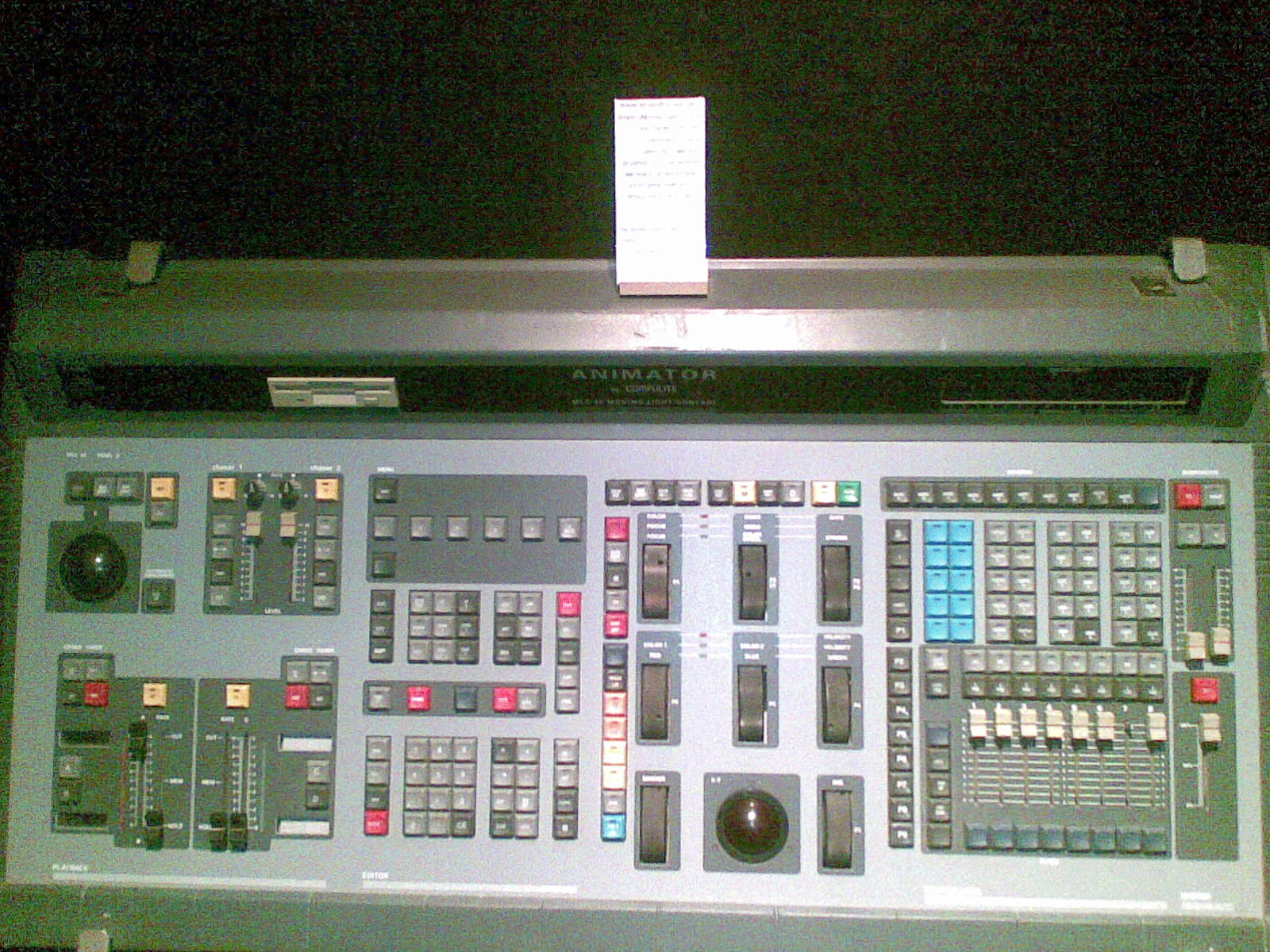
“How many DMX universes do I need?” is one of the most common — and most misunderstood — questions when sizing a console. Buy too few and you’re stuck; pay for too many and you’ve wasted budget. Here’s an honest, practical way to work it out.
Where these takes come from
A synthesis of recurring advice across English-speaking communities (r/lightingdesign, ControlBooth) and working operators. See also our what is a DMX controller primer.
First, the basics
One DMX universe = 512 channels. Each fixture uses a number of channels set by its mode/profile — a simple LED par might use 3–8, a feature-rich moving head can use 20–40+. Your universe count is driven by total channels, not by the number of fixtures alone.
How to estimate your channel count
- List every fixture and the mode you’ll run it in.
- Multiply each fixture’s channel footprint by how many you have.
- Add them up — that’s your total channels.
- Divide by 512, then round up and add headroom for future fixtures and pixel content.
Example: 12 moving heads at 24 channels = 288, plus 24 LED pars at 6 = 144, plus a few specials = ~470 channels → one universe is nearly full. Add anything and you need a second. Pixel/LED tape content can explode channel counts fast, so plan generously.
Console output vs licensed universes
Two numbers matter and people confuse them:
- Physical DMX outputs (XLR ports) on the console.
- Total universes the console/software can process and output over the network (Art-Net/sACN), often far more than its XLR ports.
Many modern consoles output a few universes over XLR but dozens over the network to nodes/gateways. Free software varies: ChamSys MagicQ outputs up to 64 universes over Art-Net/sACN for free, the free Onyx licence outputs one universe, and grandMA3 onPC needs MA hardware to output DMX — see our software guide.
Rough sizing by show type
- Small bar / mobile DJ / simple par rig: 1 universe is usually plenty.
- School / community theatre / small live: 1–2 universes.
- Mid-size live / event with moving lights: 2–4 universes.
- Large concert / festival / heavy pixel content: many universes — plan for network output and nodes.
My honest take
Count channels, not fixtures, round up, and buy headroom — rigs only ever grow, and pixel content eats universes fast. For most small shows one or two universes is enough; the moment you add lots of moving heads or pixels, think in network universes and nodes. Don’t over-buy hardware ports when free software plus a node may cover you. See our beginner guide and best console under $1,000.
FAQ
How many channels are in a DMX universe?
512. Your universe count depends on total channels used by all fixtures in their chosen modes — not the fixture count alone.
How do I work out how many universes I need?
Add up every fixture’s channel footprint, divide by 512, round up and add headroom for growth and pixel content.
Why do moving heads use so many universes?
They use many channels each (often 20–40+), so a dozen of them can fill most of a universe on their own.
Do I need physical DMX ports for every universe?
No — most consoles output extra universes over the network (Art-Net/sACN) to nodes/gateways, well beyond their XLR ports.
Photo credit: Photo: Stage Lighting Museum / Dan Redler, CC BY-SA 3.0, via Wikimedia Commons
Read also: Which DMX cables should you choose?
See DMX interfaces and nodes on Gear4music →
This page contains affiliate links. If you buy through them, we may earn a commission at no extra cost to you.
💡 Essential accessories for your lighting console
This page contains affiliate links. If you buy through them, we may earn a commission at no extra cost to you.
- Art-Net / sACN node : Enttec ODE Mk3
- DMX splitter, 2 outputs (3/5-pin) : Enttec D-Split (XLR 3 et 5 broches)
- DMX splitter, 4 outputs, 19" rack : Cameo SB6 Dual, splitter 6 sorties
- DMX cable, 5-pin, 5 m : Stairville PDC5CC 5,0 m
- DMX terminator, 5-pin : Stairville DMX Terminator XLR 5-Pol