💡 Expert tests, comparisons & guides • DMX · Art-Net · RDM • From club to theatre

Author: Patrice.C

  • DMX Lighting Control Systems: A Professional Guide

    DMX Lighting Control Systems: A Professional Guide

    A DMX lighting control system is the whole chain that runs a stage or venue’s lighting: the console or controller, the network that carries the signal, the nodes that output DMX, and the fixtures themselves. Understanding it as a system — rather than fixating on the desk alone — is what separates a rig that behaves from one that fights you. This guide explains the parts, how they fit together, and clears up a common confusion about the name. For the control surface itself, see our guide to professional DMX lighting controllers.

    Important: not building automation

    “Lighting control system” on its own usually means building automation — the smart-home and architectural dimming world of Lutron and Crestron, where the goal is to schedule and scene-set the lights in a home, office or hotel. A DMX lighting control system is a different discipline entirely: it’s the entertainment-lighting world of stages, venues and shows, where the priority is live, cue-accurate control of intensity, color and movement. The two share the word “lighting” and little else, so if you’re researching gear it pays to be clear which universe you’re in before you compare products or read reviews.

    The parts of a DMX system

    • Console / controller — programs and plays back the show; this is the brain and the operator’s interface.
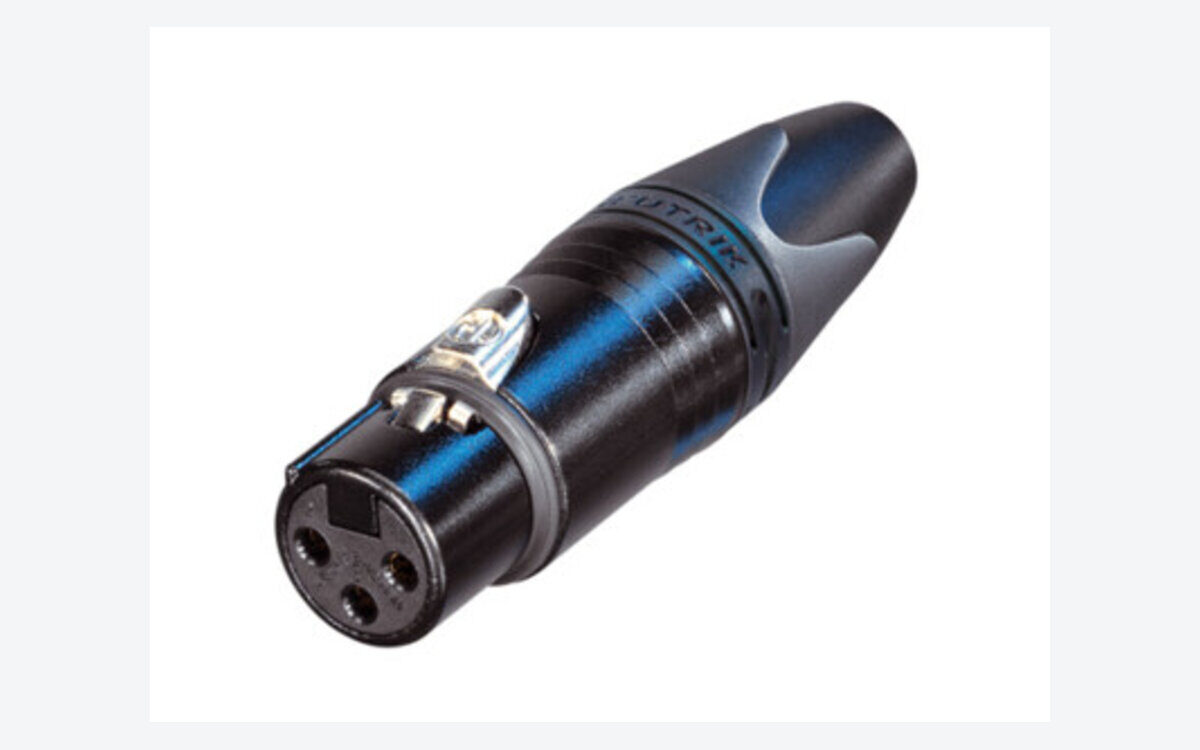
    • Network — Art-Net / sACN carry many universes over standard Ethernet, so a single cable can transport what used to need dozens of separate DMX lines.
    • Nodes — convert the network back to physical DMX near the fixtures, placing the output right where the lights hang.
    • Fixtures — dimmers, LED washes, moving lights and everything else that turns instructions into photons.

    The logic flows in one direction: the console builds and triggers looks, the network distributes them across the venue, the nodes hand off to real DMX cable, and the fixtures respond. Design the system so each stage has headroom — spare universes on the network, spare ports on the nodes — and expansion later becomes a matter of patching rather than rewiring.

    Why the network layer matters

    On a small rig you can run DMX straight from the console to the fixtures and never think about a network. As soon as the rig grows past a universe or two, though, Art-Net and sACN over Ethernet become the sensible backbone: they carry many universes down a single, cheap, easily replaced cable, and they let you place nodes wherever the fixtures are instead of dragging long DMX lines across a building. That architecture is also more resilient — a managed switch and a tidy addressing plan make faults easy to isolate, and adding a new zone is often just another node on the network. The tradeoff is that you now own a small data network, which rewards a little discipline around IP addressing, universe numbering and cable management.

    For installations

    In auditoriums and permanent venues, reliability and operation by non-specialists come first. An ETC system is a common choice, precisely because the whole chain — desk, gateways, dimming and networking — is designed to work together and to keep running with volunteers or house staff at the controls. In a fixed install the emphasis shifts away from raw programming power toward predictability: clear station control, simple presets for everyday events, and a system that a technician can hand over and trust to behave the same way months later.

    FAQ

    What’s a DMX lighting control system?

    The end-to-end entertainment-lighting chain: console plus network plus nodes plus fixtures — not home or building automation. It’s the whole signal path from the operator’s fingertips to the light on stage.

    Is DMX the same as a lighting control system?

    DMX is the protocol — the language the signal is spoken in; the “system” is everything around it that generates, transports and acts on that signal. You can have DMX without a full networked system, but a modern venue system is built on DMX (and its networked cousins Art-Net and sACN).

    Do I always need nodes and a network?

    No. A small rig can run direct DMX from the console. Nodes and an Art-Net/sACN network earn their place once you outgrow one or two universes or need to distribute output across a large space.

    Photo credit: Unsplash

  • Theatre Lighting Consoles: A Professional Guide

    Theatre Lighting Consoles: A Professional Guide

    For theatre, one platform dominates: ETC Eos. A theatre lighting console is built around cue-based (tracking) operation — write a show once, play it back identically every night — which is exactly what theater, opera and dance need. Where a live-events desk lives on improvisation, a theatre console lives on precision: every fade, every follow spot pickup, every blackout lands on the same count at every performance, whether the operator is the designer or a stage manager calling a green light to a student on the board. This guide covers what to look for and which consoles fit. For the wider landscape, see our professional buyer’s guide.

    Why ETC Eos owns theatre

    Eos is the theatre standard: cue-based programming, proven reliability in institutional venues, and a coherent ecosystem. From the entry Element 2 to the flagship Apex, it’s a platform you learn once and find everywhere. That ubiquity is not an accident. The command-line syntax that feels foreign on day one becomes the fastest way to build and edit a large cue stack once it clicks, and because tracking carries a value forward until you deliberately change it, a designer can shift a single channel across an entire act without re-recording every cue by hand. Universities, regional houses and road houses standardize on Eos so that visiting designers arrive already fluent and a graduating student walks into the industry knowing the desk. Details in our ETC Eos guide.

    What to look for in a theatre desk

    Cue-based operation is the non-negotiable: a proper cue list, tracking behavior, and the ability to build, renumber and edit cues quickly under pressure. Beyond that, look at how the desk handles complex sequences — multipart cues with independent fade and delay times, follow and hang times, and effects that layer over the base state without disturbing your recorded look. Magic sheets or custom layouts help an operator find channels fast in a dark booth. Fader count matters less in theatre than it does in live work, because most of the show plays back on a single GO button, but you still want enough submasters and playbacks to handle house lights, work lights and the occasional busked moment. Finally, weigh the ecosystem: fixtures, gateways, networking and offline software that all speak the same language reduce the number of surprises on a tight tech schedule.

    Other options

    For houses that also do heavy live or touring work, grandMA is an alternative — though for pure cue-based theatre, Eos remains the reference. A venue that hosts concerts one night and a scripted play the next may value grandMA’s fast, hands-on live workflow, and its operators can adapt it to cue playback. But most designers who work primarily in scripted theatre reach for Eos, because the cue-editing model and the depth of tracking tools are simply built around how a play is rehearsed and run. Choosing the road-less-traveled desk in a theatre also means fewer local operators know it and fewer visiting designers arrive ready to sit down and program.

    For small theatres

    A small theatre rarely needs a flagship desk: an entry Eos (or a capable stage lighting controller) covers most needs while keeping the same workflow you’d grow into. The advantage of starting on the family’s entry model is continuity — a volunteer or student who learns the syntax on a small board can walk up to a much larger one and feel at home, because the software is shared across the range. That protects your training investment and makes it easy to rent a bigger desk for an ambitious production without relearning anything. Start with the console that matches your fixture count today, and lean on the shared platform to grow into larger rooms and shows later.

    FAQ

    What lighting console do most theatres use?

    ETC Eos, by a wide margin, especially in the US and in institutional venues. Learn it and you can walk into almost any theatre gig ready to work.

    Theatre or theater — does spelling matter?

    Same thing: “theatre” (UK / international) and “theater” (US) refer to identical consoles. Manufacturers, designers and dealers use both spellings interchangeably, and it has no bearing on the hardware or the workflow.

    Do I need a flagship console for a school or community theatre?

    No — an entry model in the same family gives you the identical cue-based workflow at a fraction of the price, and the skills transfer directly if you later step up to a larger desk for a bigger show.

    Photo credit: Pexels

  • Stage Lighting Controllers: How to Choose

    Stage Lighting Controllers: How to Choose

    A stage lighting controller is what turns a rig of fixtures into a show — from a simple controller for a few washes to a full professional console. The term covers an enormous range of gear, and the right choice depends far more on what you’re lighting than on the label on the box. This guide explains the types and how to choose between them. For the full professional picture, start with our guide to professional DMX lighting controllers.

    From simple controllers to full consoles

    “Stage lighting controller” covers a wide range. At the simple end sit compact controllers that set channels and run basic chases — enough to bring up a few pars and washes and step through some looks. At the professional end are full lighting consoles with deep programming, effects engines and networking across many universes. Between those poles lives a whole middle ground of capable small consoles that handle moving lights and cues without the price or complexity of a flagship. What you actually need depends on how many fixtures you run and, above all, how many of them move — a rig of static dimmers and LED washes asks very little of a controller, while a handful of moving heads changes the equation completely.

    Stage lighting control software

    You can also control a rig from a computer: stage lighting control software drives DMX through a hardware interface, a flexible and affordable route that has become genuinely professional. The leading manufacturers ship a PC version of their console software, so you can learn the real environment on a laptop, program a show offline, and output DMX through a dongle or a network node when it’s time to run it. For anyone starting out or working to a budget, this is often the smartest first step — you invest in skills that transfer directly to hardware later. See our control software guide.

    How to choose

    Small fixed rig of dimmers and LED? A simple controller works, and spending more buys you little. Moving lights, multiple universes, repeatable shows? You want a real console — weigh reliability, the operator ecosystem and total cost as covered in our buyer’s guide. Be honest about where your rig is heading, not just where it is today: the most common regret is buying a basic controller, adding a couple of moving heads a few months later, and discovering that programming them on the cheap box is slow and painful. If moving lights are anywhere on your horizon, start with a controller or software that handles them properly and grow into it.

    Match the controller to the venue

    Beyond fixture count, think about who will run the rig and how often the show changes. A house of worship or a school hall that repeats the same handful of looks week to week values simplicity and repeatable presets over raw programming depth. A mobile operator who faces a different room every night wants fast, hands-on control and quick patching. A permanent theatre install prioritizes reliability and a workflow that a rotating cast of volunteers can learn. There’s no single “best” controller — only the one that fits the fixtures, the operators and the kind of shows you actually do, which is why it pays to define those three things before you shop. Write them down honestly, and the shortlist tends to pick itself: the fixture count sets the floor for capability, the operators set the ceiling for complexity, and the type of show decides whether you prize cue playback or fast live control.

    FAQ

    Controller or console — what’s the difference?

    Loosely the same idea, but “console” implies a serious programming instrument while “controller” spans everything from entry-level to pro. Intent matters more than the word — read the feature set, not the name on the front panel.

    Is there a controller for stage lights with software?

    Yes — most professional platforms offer a PC version that drives DMX through a hardware interface. It’s a flexible, affordable way to learn a real environment and to keep a backup ready.

    What controller do I need for moving lights?

    Anything with a proper fixture library and an effects engine — a real console or professional software, not a basic scene-and-chase box. Programming pan, tilt, gobos and color by hand on a simple controller is slow and frustrating.

    Photo credit: Unsplash

  • Church Stage Lighting: Consoles, Control and Setup

    Church Stage Lighting: Consoles, Control and Setup

    Stage lighting for churches and houses of worship is one of the biggest — and most underserved — corners of the lighting world. Thousands of congregations light a platform every week, yet most of the advice online is written for touring pros, not for a volunteer team on a real budget. This guide covers how to choose a lighting console (or controller) and build a reliable church stage lighting rig, whether you run a small sanctuary or a multi-campus production. For the wider landscape, see our guide to professional DMX lighting controllers.

    What makes church stage lighting different

    Worship lighting has its own constraints, and they shape every equipment decision. It’s usually run by volunteers who rotate in and out, so the console has to be learnable in an afternoon and forgiving on a Sunday morning. Services repeat week to week, so repeatability matters far more than flashy improvisation — the goal is the same reliable look every service, recalled at the touch of a button. Budgets are real and answer to a board, so value and longevity beat raw specification. And more and more rooms livestream, which adds a camera to the audience and raises the bar on consistent, even light. The right console is one a volunteer can learn quickly and that runs the same cue every Sunday without drama, week after week, regardless of who is at the board.

    Choosing a console for a church

    • ETC — extremely common in worship; cue-based, volunteer-friendly and rock-solid, with the kind of documentation and support a rotating team relies on.
    • grandMA — for larger productions and multi-campus churches that run ambitious, moving-light-heavy services closer to a concert than a service.

    If you mostly need straightforward control of dimmers and LED washes, a simpler stage lighting controller may be enough; step up to a full console as your rig grows. The trap to avoid is buying at either extreme — a box too basic to handle the moving lights you’ll add next year, or a flagship desk so deep that volunteers never feel confident on it. Match the console to the fixtures you actually run and to the people who will operate it, and lean toward a platform whose skills transfer upward so a bigger room later doesn’t mean starting over.

    Building the rig (on any budget)

    A church stage lighting setup pairs the console with LED fixtures, washes and key light for the platform and the stream. You can start small and expand — the console you pick should grow with you. In practice, front key light for faces (especially for the camera) is the foundation, with washes to color the stage and backlight to separate people from the background. Prioritize even, flattering coverage of the people on the platform before you invest in effects, because a clean image of a speaker or worship leader is what the room and the stream notice first. A modest, well-focused rig on a repeatable console beats a pile of fixtures no volunteer can drive, so build in layers and let each addition earn its place.

    Lighting for the livestream

    The camera changes the priorities. Where the human eye is forgiving, a camera exposes uneven coverage, harsh shadows and color casts mercilessly, so consistent front light and controlled color temperature matter more than dramatic looks. A programmable console pays off here in a specific way: it lets you record camera-friendly states as cues and recall them identically every service, so the stream looks the same whether your best volunteer is in the booth or it’s someone’s first Sunday. Getting even key light on faces, keeping the platform brighter than the background, and avoiding wild color shifts mid-service will do more for stream quality than any single fixture purchase.

    FAQ

    What’s the best lighting console for a small church?

    One a volunteer can run confidently — favor ease of use and reliability over raw power, and pick a platform with good support and documentation so a rotating team can lean on it.

    Do we need a console if we livestream?

    Consistent, repeatable lighting makes a stream look far better, and a programmable console pays off quickly by recalling the same camera-friendly states every service regardless of who’s operating.

    Should we start small or buy for the future?

    Start with a rig and console sized to what you run today, but choose a platform whose skills and files scale upward — that way expanding the rig or moving to a bigger room later doesn’t mean retraining every volunteer from scratch.

    Photo credit: Pexels

  • DMX Lighting Consoles: How to Choose the Right One

    DMX Lighting Consoles: How to Choose the Right One

    A DMX lighting console is the professional instrument that programs and plays back a lighting show. This guide focuses specifically on choosing a console — for the broader landscape of controllers and software, start with our professional DMX lighting controllers guide.

    Console vs basic controller

    The word “console” implies a serious programming and playback instrument — not the entry-level boxes also sold as “DMX controllers.” A real console gives you deep programming, effects, networking and reliability. The practical dividing line is what happens when your rig gets complicated: a basic controller runs out of road the moment you add moving lights, multiple universes or a show that has to repeat identically, while a console is built precisely for that complexity. If a product leads on its low price, it isn’t really a professional console — see our lighting desks guide for why the trade uses the term the way it does.

    The main console families

    • ETC Eos — the theatre standard, built around cue-based (tracking) programming.
    • grandMA — the touring and large-event standard, the rider default at the top of the industry.
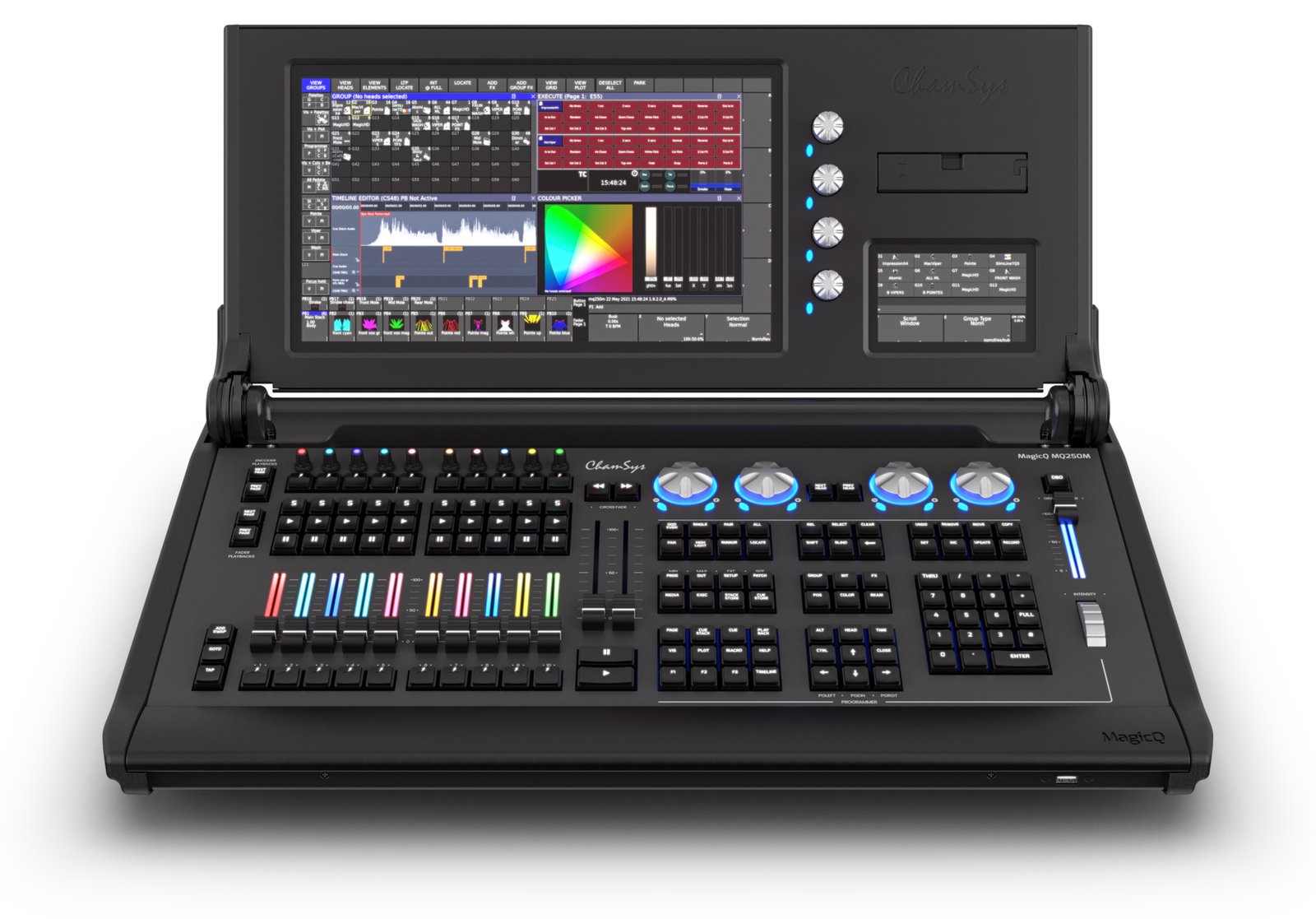
    • ChamSys MagicQ — value and accessibility, with genuinely free software.
    • Avolites — events and touring, on the Titan platform, strong in the UK and Europe.
    • Hog — live events, especially in the US, with a devoted busking following.

    Each family has its own culture and workflow, and most professionals end up fluent in one or two rather than all of them. The choice you make early tends to shape the shows — and the gigs — that are open to you.

    How to choose

    Start from your use case — theatre, touring, events or install — then weigh the criteria that actually decide reliability on the night:

    • Reliability and redundancy — will it run a whole show without faltering, and is there a backup path if hardware fails?
    • Operator ecosystem — can you find someone to programme or operate it, and is it what the rider specifies?
    • Network scale — how many universes over Art-Net and sACN, and does that match your rig’s ambitions?
    • Software / onPC — a PC version to programme offline, train on and keep as a backup.
    • Total cost of ownership — not just the desk, but wings, nodes, training and support.

    Our buyer’s guide covers each criterion in depth.

    Match the console to the work

    For theatre, opera and dance, cue-based repeatability points to ETC Eos. For touring, festivals and broadcast, grandMA’s ubiquity is a career advantage as much as a technical one. For live events and busking on a budget, ChamSys and Obsidian’s free software let you learn and run shows without a flagship price, while Avolites and Hog reward operators who work fast and live. There is rarely a single “best” console — only the one that fits your shows, your budget and the pool of operators around you.

    New, used or software-first?

    You don’t have to buy a flagship desk to work on a professional platform. Running a manufacturer’s software (onPC) through a hardware interface is the most affordable way in, and it’s the same environment as the full console. The used market is strong for standards like grandMA and ETC, where a large installed base keeps earlier-generation desks in service for years. And a laptop running onPC makes a cheap, genuinely useful backup for any rig. Weigh the cost of the surface against how much you’ll actually use it live.

    FAQ

    What’s the difference between a console and a desk?

    None, really — “desk” is the British term for a console. See our lighting desks guide.

    What’s the most affordable console route?

    Running a platform’s software (onPC) with a hardware interface. See our software guide.

    Do I really need a full console for a small rig?

    If you only run a handful of simple fixtures, a compact controller may be enough. The moment you add moving lights, multiple universes or repeatable cued shows, a console earns its place.

    Photo credit: Unsplash

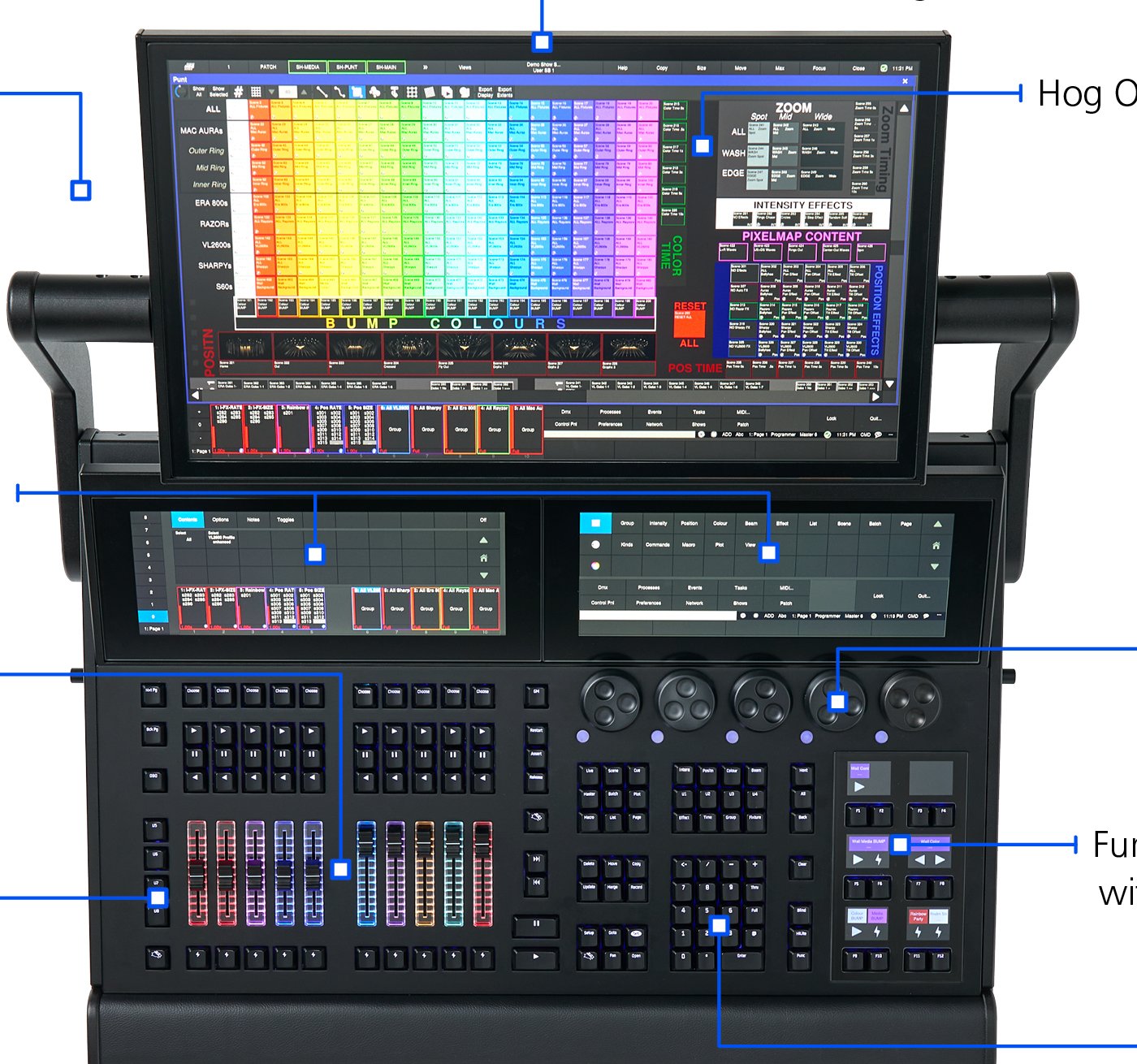
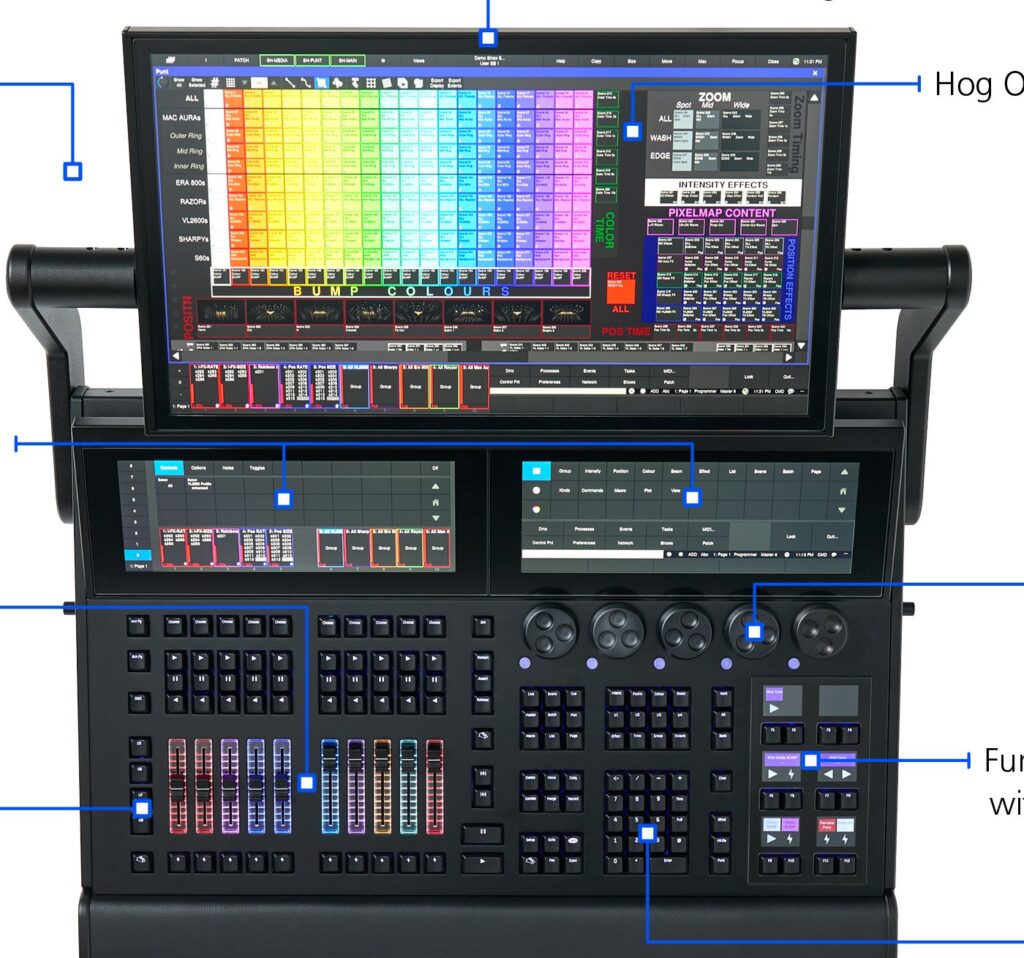
  • Hog Lighting Consoles by High End Systems

    Hog Lighting Consoles by High End Systems

    Born at High End Systems (now owned by ETC), the Hog line is a long-standing live-events platform, especially strong in the United States. Generations of concert and touring operators have built their careers around the “Hog way” of working, and the platform still commands real loyalty among those who know it. This guide covers the Hog 4 family and where it fits today. For the wider landscape, see our professional buyer’s guide.

    The Hog 4 family

    • Hog 4 — the flagship for the largest shows: three monitor outputs, MIDI in/out, eight USB ports and two Fast Ethernet ports, giving an operator plenty of surface and connectivity for a big rig.
    • Full Boar 4 — two 15.6″ touchscreens and four onboard DMX universes; the Hog 4’s power in a more compact, affordable package that still holds its own on serious shows.
    • Road Hog 4 — a 22″ touchscreen and four onboard universes in a compact touring form, built to travel light without giving up the core workflow.

    All three run Hog 4 OS, so the workflow is identical across the range and a show file moves between them. There’s also a free PC version (Hog 4PC) that runs the same software on a computer for offline programming and practice.

    The Hog workflow

    What earns the Hog its devoted following is the feel of live operation. Operators describe the programming model as fast and intuitive for busking — building and firing looks on the fly during a concert rather than running a fixed cue stack. That hands-on immediacy is a different philosophy from the strict cue-based approach of theatre desks, and it’s exactly what a concert LD wants when the set list shifts and the band goes off-script. Once the Hog way clicks, people tend to stay loyal to it, which is a large part of why the platform has held a place in US touring for so long even as the wider market has moved.

    Value and the used market

    Because the Hog 4 family has been in service for years, a healthy second-hand market has built up around it, and a used Full Boar 4 or Road Hog 4 can be an affordable route into a real touring platform. That maturity cuts both ways: the hardware is proven and well understood, but you’re buying into a platform whose newest rivals have moved on, so factor in how long you plan to keep the desk and whether the shows you chase still call for it. For an operator already fluent in the Hog way, the calculus is easy — the workflow is the value, and staying on a familiar platform is worth a great deal. For someone starting fresh, weigh that comfort against the broader rider ubiquity of grandMA before committing, and remember that free Hog 4PC lets you test the waters at no cost first.

    Where Hog fits

    Hog has a solid following in live events and touring, particularly in the US. Since ETC acquired High End Systems in 2017, the line has continued under that umbrella. In Europe the installed base is smaller than MA, Avolites or ChamSys — worth weighing for operator availability and support, because a platform is only as convenient as the pool of people who can step in and run it. If you already work in the Hog world, or you’re entering a US concert scene where it’s well represented, it remains a strong choice; if you need the broadest rider ubiquity, that crown now sits with grandMA.

    FAQ

    Is the Hog 4 still current?

    The family is mature and still in use, though it predates the latest flagship generations from rival makers. It has a loyal base and continues under ETC ownership, but weigh its long-term direction if you’re investing today.

    Can I learn Hog on a computer?

    Yes — Hog 4PC is free and runs the full software on a PC, so you can learn the workflow and pre-program shows without tying up a hardware desk. See our control software guide.

    Hog or grandMA for touring?

    Hog for its fast busking workflow and loyal US concert following; grandMA for the widest rider-standard ubiquity on the largest tours. The right answer depends on the scene you work in and who you’ll need to hand the desk to.

    Photo credit: Photo: High End Systems / ETC (etcconnect.com)

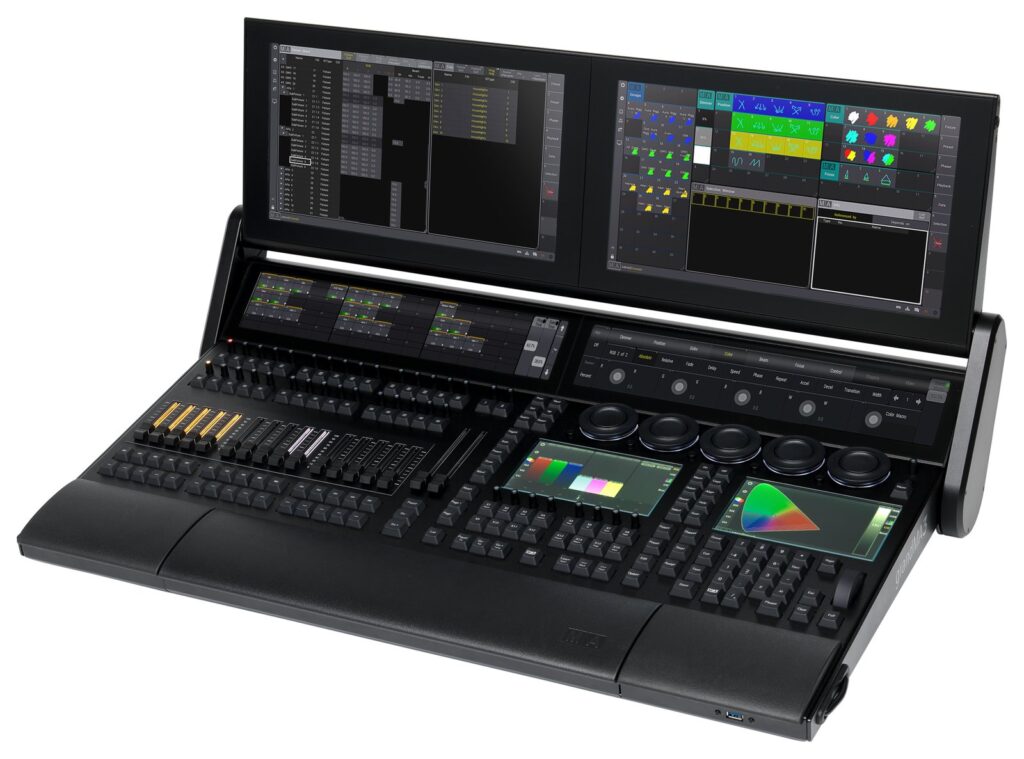
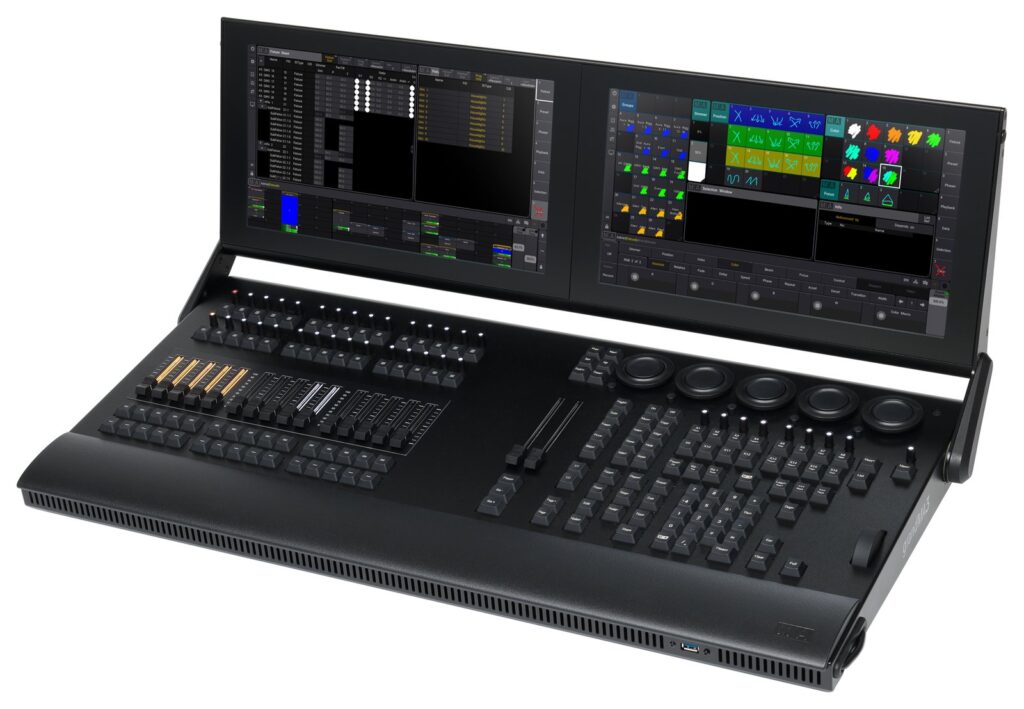
  • MA Lighting Consoles Explained: the grandMA Maker

    MA Lighting Consoles Explained: the grandMA Maker

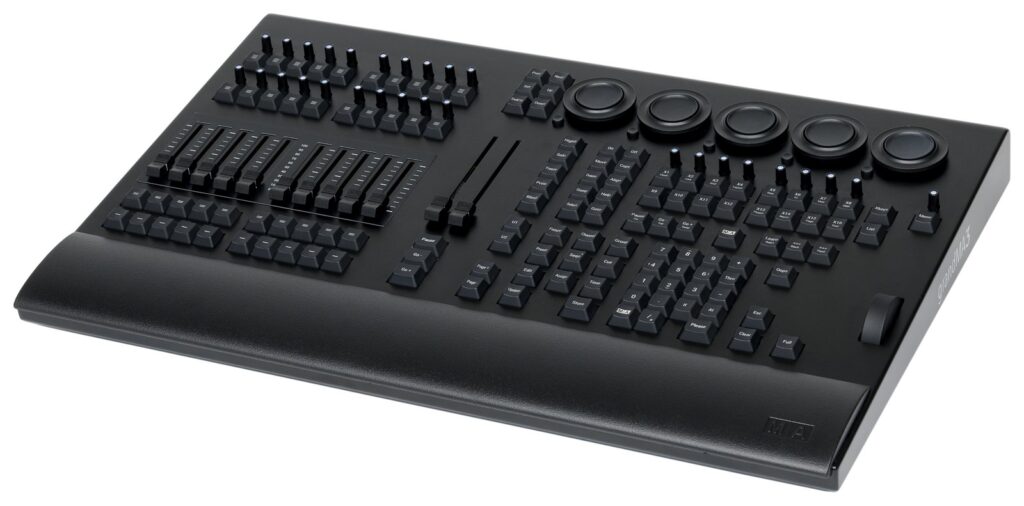
    MA Lighting is the German manufacturer behind the grandMA series — one of the most influential names in professional lighting control, found on major tours, festivals, broadcast productions and theatre rigs worldwide. Few companies have shaped how large shows are programmed as much as this one. This is the brand overview; for the consoles themselves, see our grandMA console guide. For the wider landscape of professional control, see our professional buyer’s guide.

    The company and the standard

    Based in Germany, MA Lighting built its reputation on the grandMA platform, which became a de facto control standard for large-scale live production. When a rider specifies “MA,” this is the ecosystem it means — and that single line on a contract tells you a great deal about how deeply the platform has embedded itself in the touring world. A rider standard is self-reinforcing: because the biggest shows call for it, rental houses stock it, operators train on it, and the next production specifies it too. The result is a platform you encounter again and again as you move up through festival and concert work, which is why understanding the maker behind the desk is worth the time even before you touch the hardware.

    The product line

    • grandMA3 — the current generation, with an integrated 3D visualizer and native GDTF support built into the workflow.
    • grandMA2 — the previous generation, still widely used on tours and strong on the second-hand market.

    The two generations coexist in the field far more than is usual in this industry: a huge installed base of grandMA2 desks is still working nightly, while grandMA3 represents where the platform is heading. For anyone weighing a purchase, that overlap is important, and the full detail on models, forms and where each fits lives in our grandMA console guide.

    The ecosystem

    Part of MA’s strength sits around the console rather than inside it. The MA University training program is certified worldwide and blends e-learning with hands-on classes, which keeps a steady stream of trained operators entering the market — exactly the pool a rider standard depends on. The onPC software lets you program offline on a laptop and keep a ready backup, so a designer can build a whole show before ever reaching the venue. And the open GDTF fixture standard, which MA co-created with Robe and Vectorworks, aims to make fixture data portable across tools and platforms instead of locked inside one manufacturer’s library. Taken together, the training, the software and the open data standard are as much the product as the desk. (Sources : MA Lighting.)

    Why the ecosystem matters when you choose

    When you commit to a control platform, you’re not just buying hardware — you’re buying into a labor market, a training path and a supply of rental gear. MA scores well on all three: operators are findable, courses are structured and recognized, and inventory is easy to rent or sub-hire almost anywhere large productions happen. That reduces risk on a big show, because a failed desk can be swapped and a sick operator replaced without rewriting the whole approach. It’s the same logic that makes an industry standard hard to displace, and it’s the reason the MA name carries weight far beyond the specifications of any single model. For a buyer, that means the smart question isn’t only “how good is this desk?” but “how easy will it be to staff, rent and support in the market I actually work in?” — and on that measure MA is hard to beat.

    FAQ

    Is “MA Lighting” the same as “grandMA”?

    MA Lighting is the company; grandMA is its console line. People often use the names interchangeably, but strictly the desk is a grandMA and the maker is MA Lighting.

    Where do I start to learn MA?

    The MA University and the onPC software. Structured courses plus free offline practice on a laptop are the standard route in, and they let you build real skills before you sit at a hardware desk. See our control software guide.

    Why is MA specified on so many riders?

    Because it’s a self-reinforcing standard: the biggest shows use it, so rental stock, trained operators and shared knowledge all cluster around it, which makes it the safe specification for the next production too.

    Photo credit: Photo: Hullian111, CC BY-SA 4.0, via Wikimedia Commons

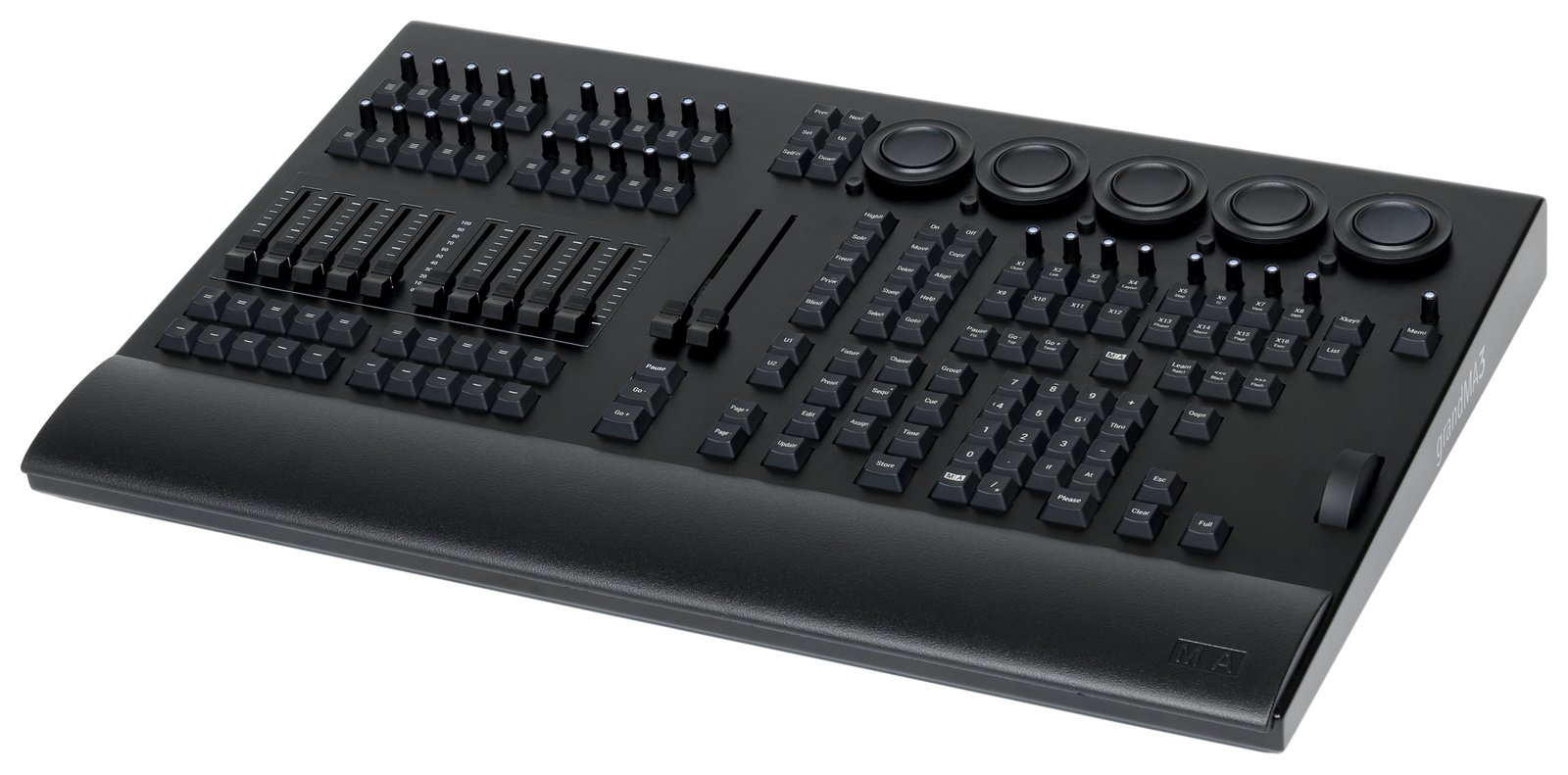
  • grandMA Lighting Consoles: grandMA3 and grandMA2

    grandMA Lighting Consoles: grandMA3 and grandMA2

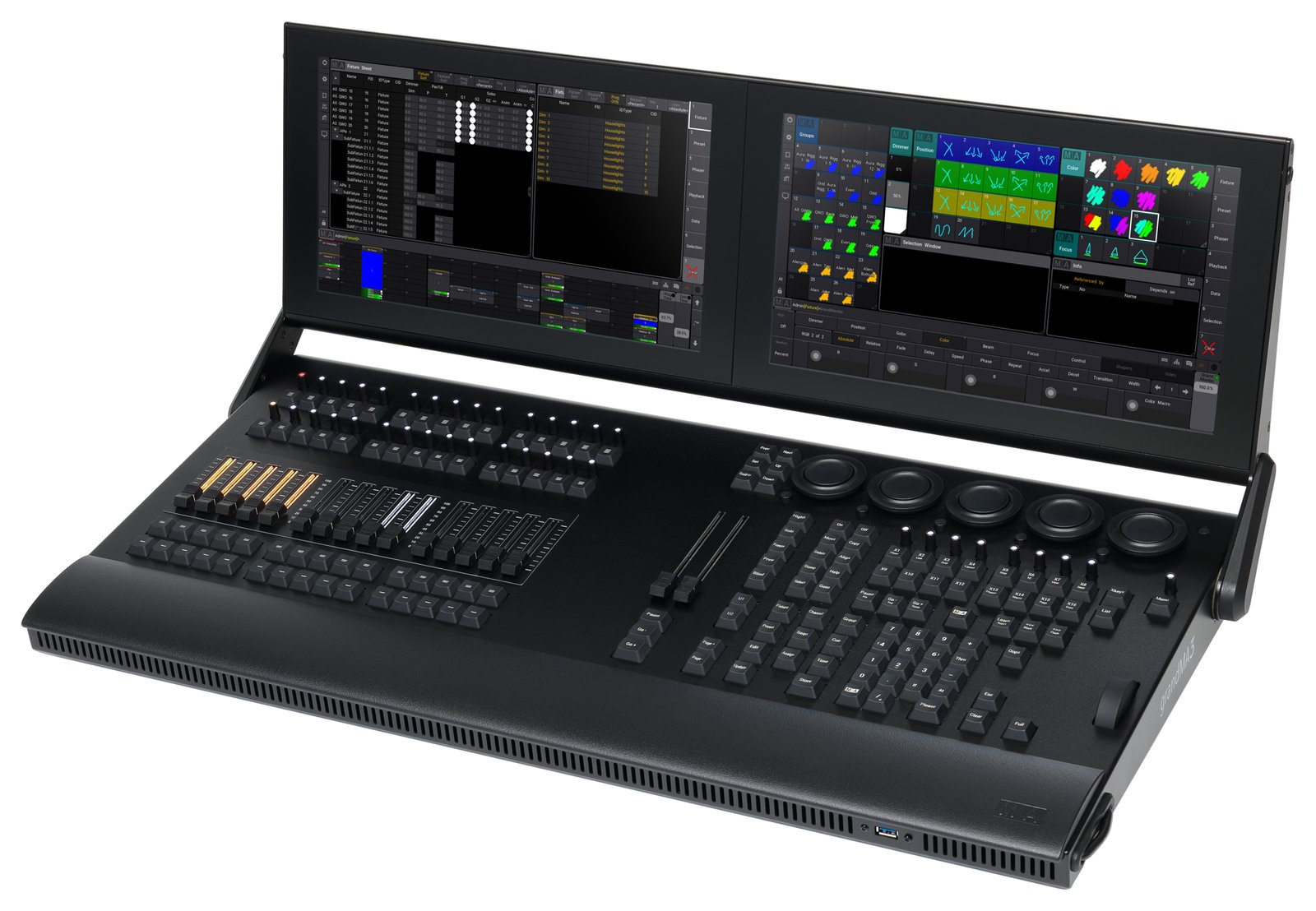
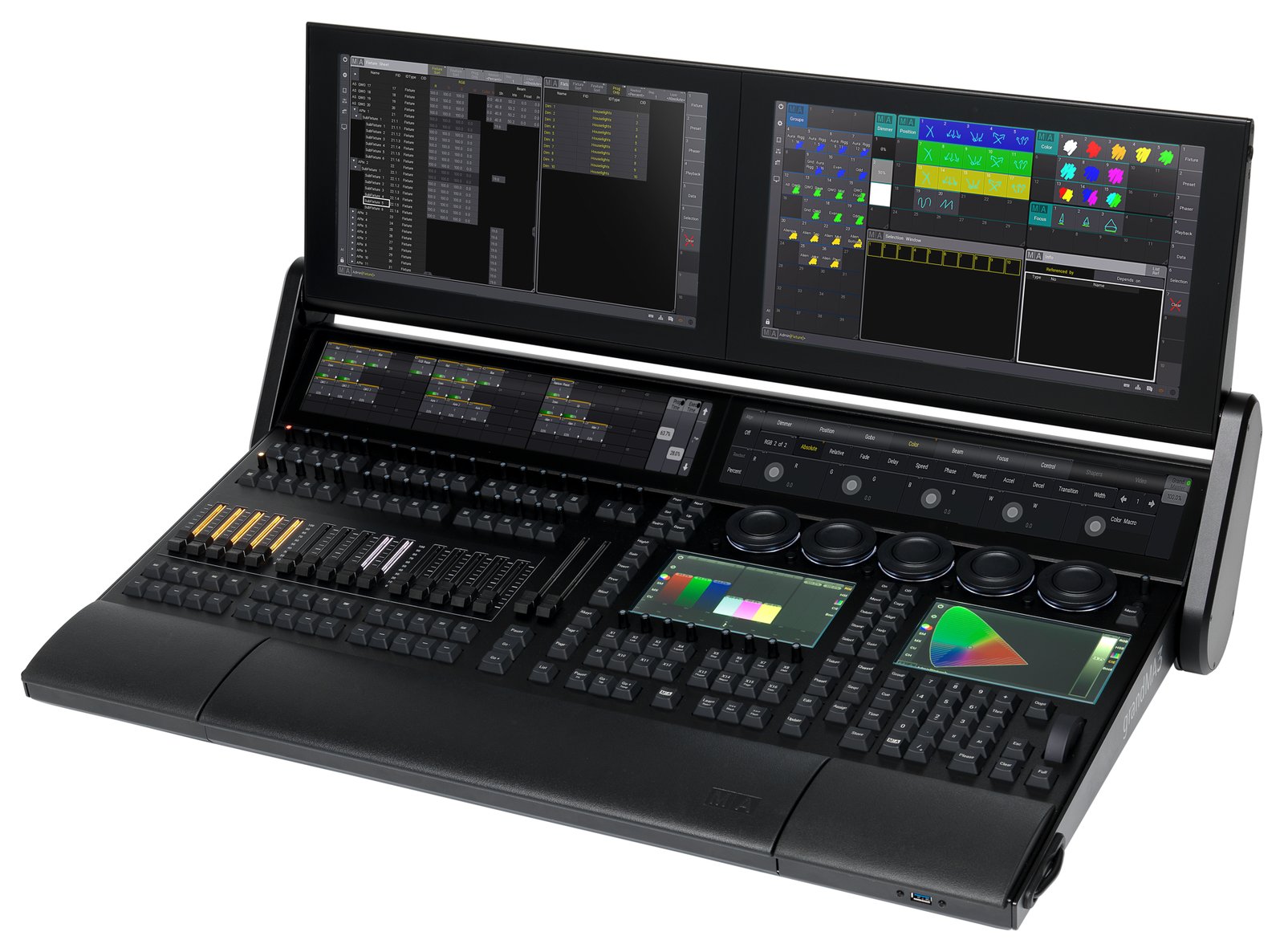
    For touring and large events, the grandMA series from MA Lighting is the platform to beat — the control standard on a huge share of the world’s major shows. If you work your way up through festival and concert lighting, this is the desk you keep meeting. This guide covers the current grandMA3 and the still-everywhere grandMA2. For the bigger picture, see our professional buyer’s guide; for the company behind it, see our MA Lighting overview.

    grandMA3 — the current range

    grandMA3 is MA’s current generation, with a built-in 3D visualizer and native GDTF support. It comes in full-size, light, compact and onPC forms, scaling from a laptop setup to the largest touring rigs while keeping one consistent workflow across every tier. The integrated visualizer means a programmer can pre-build and preview a show without the physical rig in front of them, and native GDTF aims to make fixture data portable and consistent rather than trapped in a proprietary library. That range of hardware forms is deliberate: a designer can prep on onPC, rehearse on a compact desk and run the show on a full-size console without relearning anything.

    grandMA2 — still everywhere

    Production of grandMA2 has ended, but it remains heavily used in rental and touring inventories — and on riders. The grandMA2 light offers 4,096 parameters, 15 motorized faders and two touchscreens; the ultra-light offers 4,096 parameters and 6 DMX outputs. It’s a mainstay of the used market, and its continued presence on riders means a working operator still needs to be fluent on it. For many productions, a grandMA2 remains a completely capable desk, and the depth of the installed base is exactly why it hasn’t disappeared the way discontinued gear usually does. When you’re evaluating a purchase, that liquidity — easy to rent, easy to resell, easy to staff — is part of the value.

    The onPC and offline workflow

    A large part of grandMA’s practical appeal is how much you can do without the full-size desk in front of you. The onPC software runs the same environment on a laptop, so a programmer can build and refine an entire show at home, walk into the venue with the file ready, and spend precious tech time polishing rather than starting cold. Paired with command and fader wings, onPC can even drive modest shows outright, and it doubles as a backup that mirrors the main desk. That continuity between laptop and console is exactly what a rider standard needs: the same skills, the same files and the same muscle memory carry from preparation through rehearsal to the show itself, whichever hardware tier you end up sitting at on the night.

    Why grandMA dominates touring

    Three reasons: it’s the rider standard, so you can always find a trained operator; it scales to the biggest rigs without running out of headroom; and it’s battle-tested on years of the world’s largest shows. That ecosystem is as much the product as the hardware. A rider standard feeds on itself — because the top shows specify it, rental houses stock it, training courses teach it, and the next production specifies it too, which keeps the pool of operators and gear deep enough to de-risk a major tour. Buying into grandMA is buying into that whole support structure, not just a control surface, and that is what makes it so hard to displace at the top end.

    FAQ

    grandMA2 or grandMA3?

    grandMA3 is the future-proof choice and where the platform is heading; grandMA2 (or a grandMA3 running in MA2 mode) remains relevant for existing setups and the used market. Base the decision on what your shows and rental partners actually run today versus where you want to be in a few years.

    Can I program grandMA on a laptop?

    Yes — grandMA onPC runs the software on a computer, so you can build and rehearse a show offline and keep a ready backup. See our control software guide.

    Why is grandMA worth the investment?

    Beyond the hardware, you’re buying into the deepest pool of trained operators and rental stock in the business, which is precisely what makes it the safe specification for a large, high-stakes production.

    Photo credit: Photo: Hullian111, CC BY-SA 4.0, via Wikimedia Commons

  • ETC Eos Lighting Consoles: The Family Guide

    ETC Eos Lighting Consoles: The Family Guide

    If you work in theatre, one name dominates: ETC (Electronic Theatre Controls) and its Eos family of consoles. From education desks to flagship rigs, the whole range runs the same Eos software — which is the single most important fact about the family, because it means the skills you build on the smallest board carry straight up to the largest. This guide walks through the family and where each model fits. For the wider landscape, see our guide to professional DMX lighting controllers.

    The Eos family at a glance

    • Eos Apex (5 / 10 / 20) — the flagship; the Apex 20 drives 24,576 outputs for the largest productions.
    • Gio @5 — 4,096–24,576 outputs, five motorized faders and an 18.5″ touchscreen; a compact workhorse with flagship reach.
    • Ion Xe / Ion Xe 20 — 2,048–12,288 outputs; the Xe 20 adds 20 faders for hands-on submaster control.
    • Element 2 — 1,024–6,144 outputs; the entry into the Eos family and a common choice for schools.
    • ETCnomad — the Eos software on PC/Mac, for offline programming and learning (see our control software guide).

    The pattern is clear: outputs and fader counts climb as you move up the range, but the software and workflow stay identical, so choosing a model is mostly a question of how big a rig you need to drive and how much hands-on surface you want. Specs: etcconnect.com. Prices via a specialist dealer.

    Picking a model in the family

    Because every desk shares the Eos software, choosing a model comes down to two practical questions: how many outputs your rig needs now and in the near future, and how much physical control surface you want under your hands. A school or small theatre running mostly conventionals and a few LED fixtures is well served by the Element 2, while a busy regional house with moving lights will appreciate the extra outputs and faders of an Ion Xe or Gio @5. Buy for the rig you’re growing into rather than the one you have today, and remember that ETCnomad lets you learn and pre-program on a laptop no matter which console you eventually sit down at.

    Why theatre chooses ETC

    Eos is built around cue-based (tracking) operation — write a show once, play it back identically every night — which is exactly what theatre, opera and dance need. Tracking means a value stays put until you deliberately change it, so editing a large cue stack becomes fast and surgical rather than a matter of re-recording every state. Add proven reliability in institutional venues and a coherent ecosystem (Source Four fixtures, dimmers, networking that all speak the same language), and you have a platform people learn once and use everywhere. That combination of a purpose-built workflow and industry ubiquity is why a designer trained on Eos can walk into venue after venue already fluent.

    ColorSource is not Eos

    ETC also makes the ColorSource line — a separate, simpler platform that does not run Eos software. It’s an excellent affordable console in its own right for schools, worship and small venues, but it is not the command-line, cue-based Eos environment, and a programmer expecting Eos depth will find it limited. For the professional Eos environment, the Element 2 is the entry point, not the ColorSource. Knowing this distinction before you buy saves real disappointment: if you want the Eos workflow, start at the Element 2; if you want simple, friendly control at the lowest price, ColorSource may be the better fit — just go in clear about which one you’re getting.

    FAQ

    Which Eos console for a mid-sized venue?

    The Ion Xe is the classic workhorse for mid-sized rigs; step up to a Gio @5 for more outputs and a built-in touchscreen. Both run the identical software, so the choice comes down to output count and how much physical surface you want.

    Is there a free way to learn Eos?

    Yes — ETCnomad runs the Eos software on a computer for offline programming and practice, so you can build real fluency before you ever sit at a hardware desk.

    Do I need the flagship Apex for a school?

    No — the Element 2 gives you the full Eos workflow at the family’s entry price, and the skills transfer directly if you later move up to a larger desk for a bigger production.

    Photo credit: Photo: Masonvanmeurs, CC BY-SA 4.0, via Wikimedia Commons

  • Wireless DMX Control: A Professional Guide

    Wireless DMX Control: A Professional Guide

    Cutting the DMX cable is tempting — no more runs across a stage, faster get-ins, and fixtures placed where cable simply can’t reach. But professional wireless DMX is a world apart from the cheap wireless boxes sold to hobbyists, and treating the two as equivalent is how shows end up flickering. This guide covers the two standards that run the professional world, how they now work together, and where wireless fits in a serious rig. For the wider context, see our guide to professional DMX lighting controllers.

    The two professional standards: W-DMX and CRMX

    Since 2008, two technologies have led professional wireless DMX: W-DMX (from Wireless Solution) and CRMX (from LumenRadio). For years the industry was split between the two camps, which meant matching transmitters and receivers from the same family or accepting that gear from one wouldn’t talk to the other. Both were built for the demands of real production — frequency-hopping to survive crowded radio environments, and link stability an operator could trust on a paying show — which is exactly what set them apart from consumer wireless. Understanding that there were two rival professional standards is the key to making sense of the older gear still in circulation. (Sources : LumenRadio, PLSN.)

    One unified solution

    That divide is closing. After LumenRadio acquired Wireless Solution in 2020, the two technologies were combined into a single solution: fixtures can listen to both W-DMX and CRMX and automatically select whichever protocol the transmitter uses — no mode switching, no manual configuration, the link sets itself up. In practice, that means you can now drive wireless fixtures regardless of which camp the transmitter belongs to, which removes one of the oldest headaches in wireless DMX. For anyone specifying new gear it simplifies the decision considerably, and for rental houses it means a more interoperable inventory, though a mixed bag of older transmitters and receivers on a shelf still rewards a careful check before the truck rolls.

    How wireless DMX fits a professional rig

    The principle is simple: a transmitter sits at the console or a node and broadcasts the DMX; receivers built into (or attached to) the fixtures pick it up and hand off real DMX to the light. What separates pro gear is reliability under heavy RF conditions — festivals and arenas are crowded radio environments full of comms, Wi-Fi and other wireless links — plus solid range and link stability that hold up across a whole show. The best results come from treating the wireless link as a system to plan, not a magic fix: antenna placement, line of sight and a clear picture of what else is transmitting nearby matter as much as the badge on the box.

    Wireless DMX is not wireless console control

    An important distinction: wireless DMX replaces the DMX cable to the fixtures. It is not the same as remotely controlling the console itself — that’s a separate remote or app feature that lets you walk the room with a tablet while focusing lights. The two solve different problems, and conflating them leads to planning mistakes. Wireless DMX gets signal to fixtures you can’t easily cable to; wireless remote control gets the operator away from the desk. A show might use both, neither or just one, so it’s worth being precise about which you actually mean when you spec a rig, because ordering the wrong kit for the job is an easy and costly mistake to make on paper.

    FAQ

    Is wireless DMX reliable enough for shows?

    Professional systems are used on major tours and broadcasts every day. Reliability comes from quality hardware and good RF planning — antenna placement, line of sight and awareness of the local radio environment — not from the cheapest transmitter you can find.

    Do transmitter and receiver have to match brands now?

    With the unified W-DMX / CRMX solution, cross-compatibility is the direction of travel — modern fixtures auto-select the transmitter’s protocol. Older, single-standard gear may still need matching, so verify before you rely on a mixed inventory.

    Is wireless DMX the same as controlling the console remotely?

    No. Wireless DMX replaces the cable to the fixtures; wireless remote control moves the operator away from the desk. They’re separate features that solve different problems.

    Photo credit: Unsplash