Category: Non classé

  • DMX Lighting Control Systems: A Professional Guide

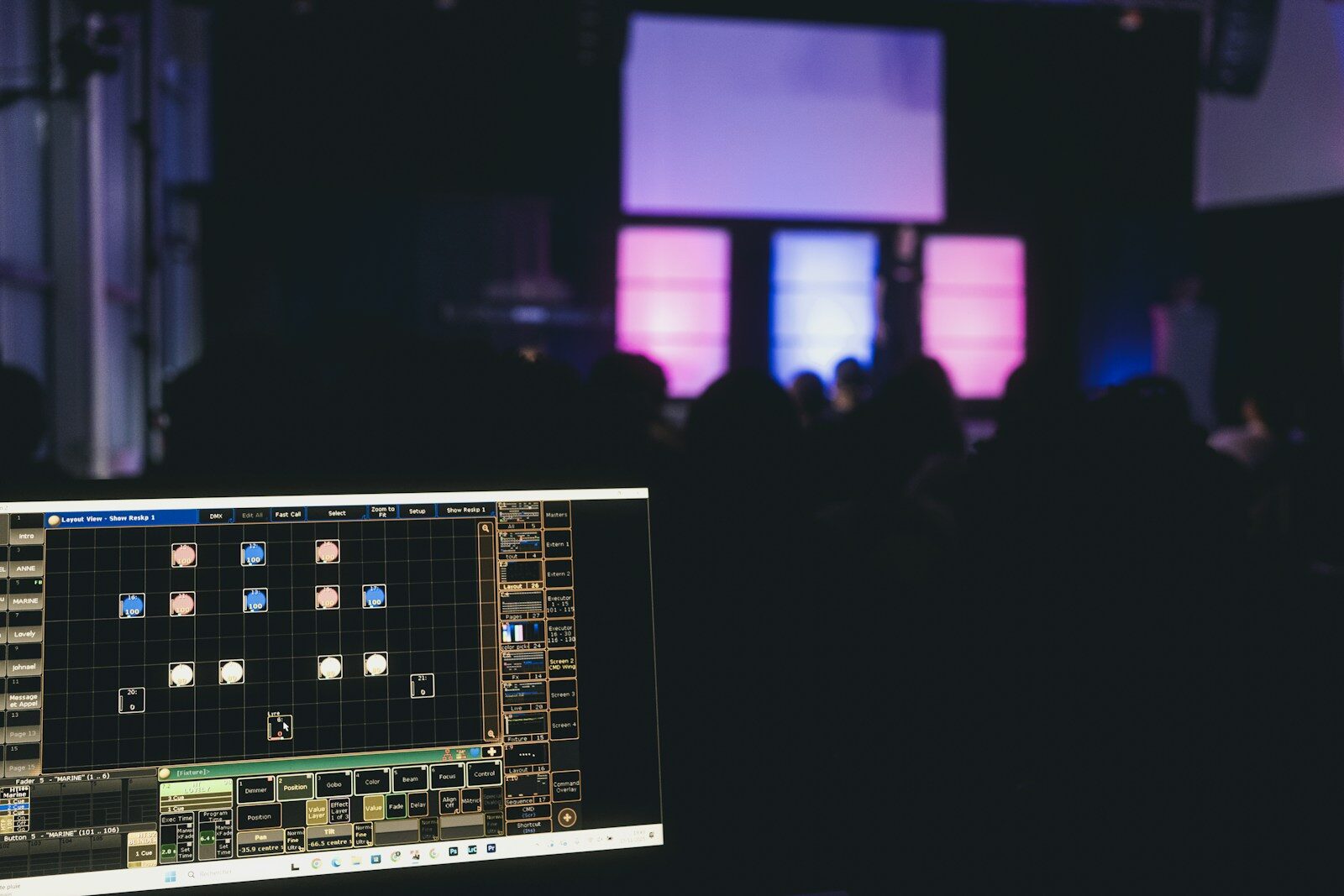
    A DMX lighting control system is the whole chain that runs a stage or venue’s lighting: the console or controller, the network that carries the signal, the nodes that output DMX, and the fixtures. This guide explains the parts — and clears up a common confusion. For the control surface itself, see our guide to professional DMX lighting controllers.

    Important: not building automation

    “Lighting control system” on its own usually means building automation (smart-home and architectural dimming — Lutron, Crestron). A DMX lighting control system is different: it’s the entertainment-lighting world — stages, venues, shows.

    The parts of a DMX system

    • Console / controller — programs and plays back the show.
    • Network — Art-Net / sACN carry many universes over Ethernet.
    • Nodes — convert the network back to physical DMX near the fixtures.
    • Fixtures — dimmers, LED, moving lights.

    For installations

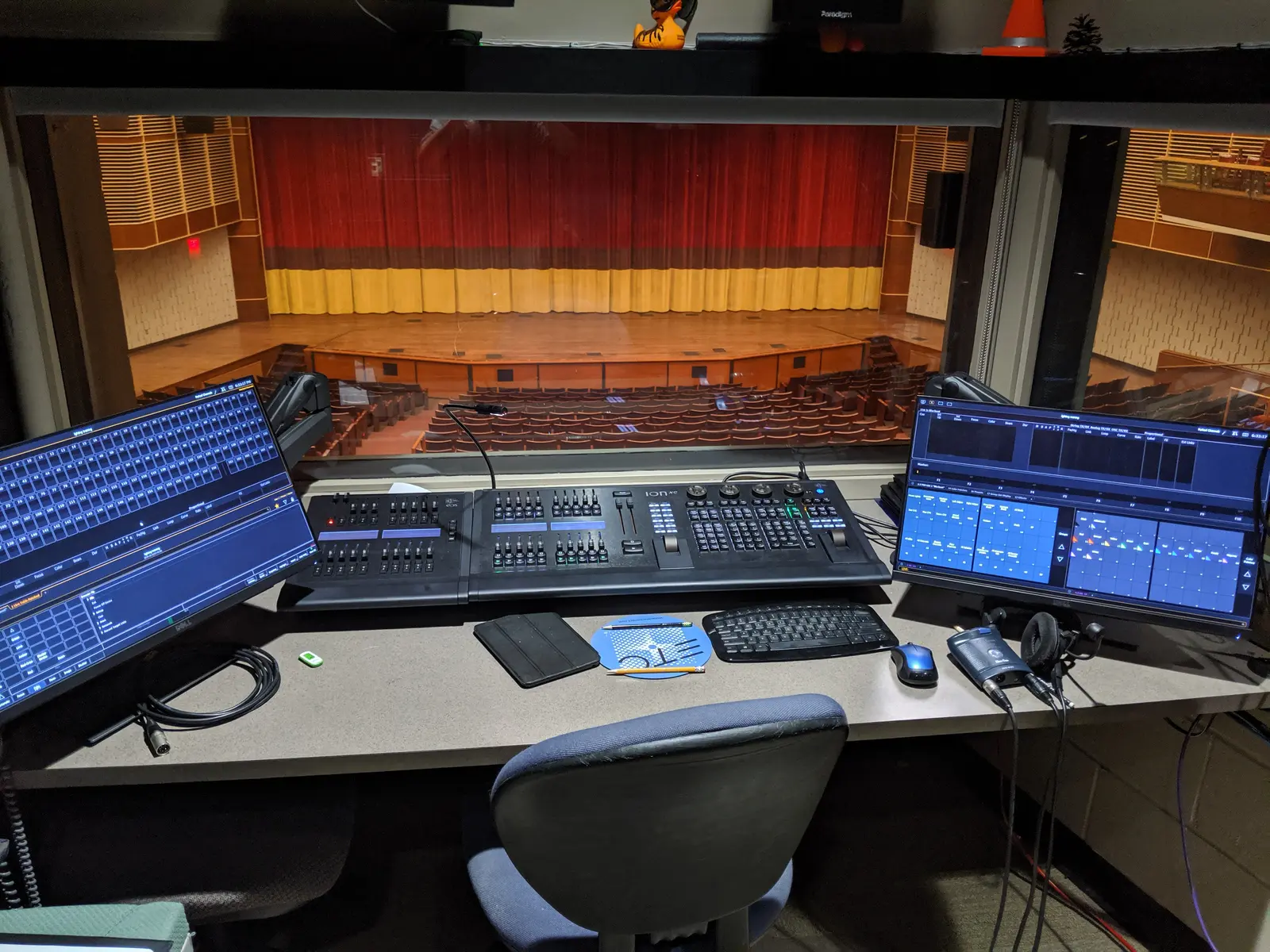
    In auditoriums and permanent venues, reliability and operation by non-specialists come first. An ETC system is a common choice.

    FAQ

    What’s a DMX lighting control system?

    The end-to-end entertainment-lighting chain: console + network + nodes + fixtures — not home or building automation.

    Is DMX the same as a lighting control system?

    DMX is the protocol; the “system” is everything around it.

  • Theatre Lighting Consoles: A Professional Guide

    For theatre, one platform dominates: ETC Eos. A theatre lighting console is built around cue-based (tracking) operation — write a show once, play it back identically every night — which is exactly what theatre, opera and dance need. This guide covers what to look for and which consoles fit. For the wider landscape, see our professional buyer’s guide.

    Why ETC Eos owns theatre

    Eos is the theatre standard: cue-based programming, proven reliability in institutional venues, and a coherent ecosystem. From the entry Element 2 to the flagship Apex, it’s a platform you learn once and find everywhere. Details in our ETC Eos guide.

    Other options

    For houses that also do heavy live or touring work, grandMA is an alternative — though for pure cue-based theatre, Eos remains the reference.

    For small theatres

    A small theatre rarely needs a flagship desk: an entry Eos (or a capable stage lighting controller) covers most needs while keeping the same workflow you’d grow into.

    FAQ

    What lighting console do most theatres use?

    ETC Eos, by a wide margin, especially in the US and institutional venues.

    Theatre or theater — does spelling matter?

    Same thing: “theatre” (UK / international) and “theater” (US) refer to identical consoles.

  • Church Stage Lighting: Consoles, Control and Setup

    Stage lighting for churches and houses of worship is one of the biggest — and most underserved — corners of the lighting world. This guide covers how to choose a lighting console (or controller) and build a reliable church stage lighting rig, whether you run a small sanctuary or a multi-campus production. For the wider landscape, see our guide to professional DMX lighting controllers.

    What makes church stage lighting different

    Worship lighting has its own constraints: it’s usually run by volunteers, services repeat week to week (so repeatability matters), budgets are real, and more and more rooms livestream. The right console is one a volunteer can learn quickly and that runs the same cue every Sunday without drama.

    Choosing a console for a church

    • ETC — extremely common in worship; cue-based, volunteer-friendly, rock-solid.
    • grandMA — for larger productions and multi-campus churches.

    If you mostly need straightforward control of dimmers and LED washes, a simpler stage lighting controller may be enough; step up to a full console as your rig grows.

    Building the rig (on any budget)

    A church stage lighting setup pairs the console with LED fixtures, washes and key light for the platform and the stream. You can start small and expand — the console you pick should grow with you.

    FAQ

    What’s the best lighting console for a small church?

    One a volunteer can run confidently — favour ease of use and reliability over raw power.

    Do we need a console if we livestream?

    Consistent, repeatable lighting makes a stream look far better — a programmable console pays off quickly.

  • Stage Lighting Controllers: How to Choose

    A stage lighting controller is what turns a rig of fixtures into a show — from a simple controller for a few washes to a full professional console. This guide explains the types and how to choose. For the full professional picture, start with our guide to professional DMX lighting controllers.

    From simple controllers to full consoles

    “Stage lighting controller” covers a wide range. At the simple end: compact controllers that set channels and run basic chases. At the professional end: full lighting consoles with deep programming, effects and networking. What you need depends on how many fixtures — especially moving lights — you run.

    Stage lighting control software

    You can also control a rig from a computer: stage lighting control software drives DMX through a hardware interface, a flexible and affordable route. See our control software guide.

    How to choose

    Small fixed rig of dimmers and LED? A simple controller works. Moving lights, multiple universes, repeatable shows? You want a real console — weigh reliability, the operator ecosystem and total cost as covered in our buyer’s guide.

    FAQ

    Controller or console — what’s the difference?

    Loosely the same idea, but “console” implies a serious programming instrument; “controller” spans entry-level to pro. Intent matters more than the word.

    Is there a controller for stage lights with software?

    Yes — most professional platforms offer a PC version.

  • DMX Lighting Consoles: How to Choose the Right One

    A DMX lighting console is the professional instrument that programs and plays back a lighting show. This guide focuses specifically on choosing a console — for the broader landscape of controllers and software, start with our professional DMX lighting controllers guide.

    Console vs basic controller

    The word “console” implies a serious programming and playback instrument — not the entry-level boxes also sold as “DMX controllers.” A real console gives you deep programming, effects, networking and reliability.

    The main console families

    • ETC Eos — the theatre standard.
    • grandMA — the touring standard.
    • ChamSys MagicQ — value and accessibility.
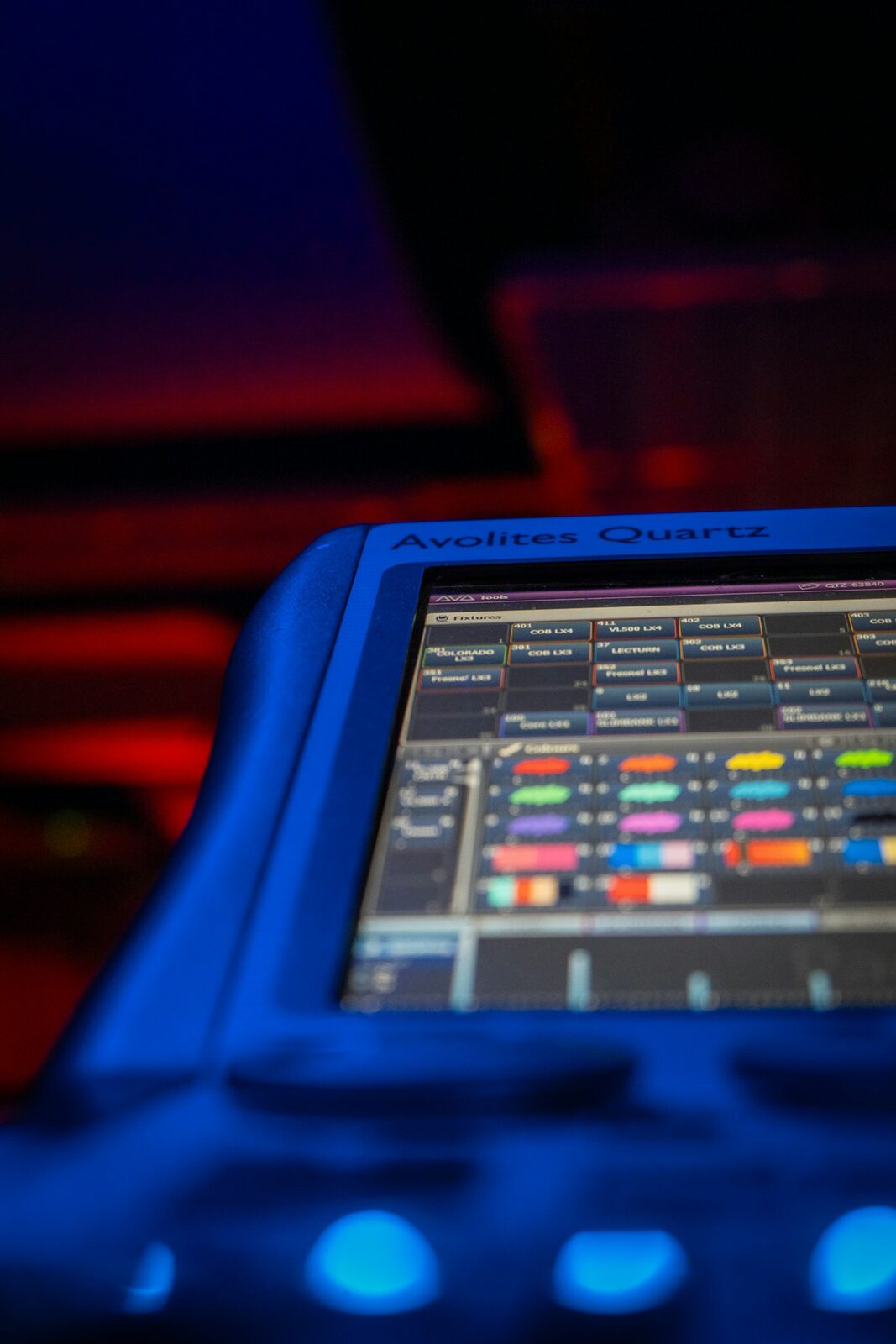
    • Avolites — events and touring, on Titan.
    • Hog — live events, especially in the US.

    How to choose

    Start from your use case — theatre, touring, events or install — then weigh reliability and redundancy, the operator ecosystem, network scale, software/onPC and total cost of ownership. Our buyer’s guide covers each criterion in depth.

    FAQ

    What’s the difference between a console and a desk?

    None, really — “desk” is the British term for a console. See our lighting desks guide.

    What’s the most affordable console route?

    Running a platform’s software (onPC) with a hardware interface. See our software guide.

  • Hog Lighting Consoles by High End Systems

    Born at High End Systems (now owned by ETC), the Hog line is a long-standing live-events platform, especially strong in the United States. This guide covers the Hog 4 family and where it fits today. For the wider landscape, see our professional buyer’s guide.

    The Hog 4 family

    • Hog 4 — the flagship for the largest shows: three monitor outputs, MIDI in/out, eight USB ports, two Fast Ethernet ports.
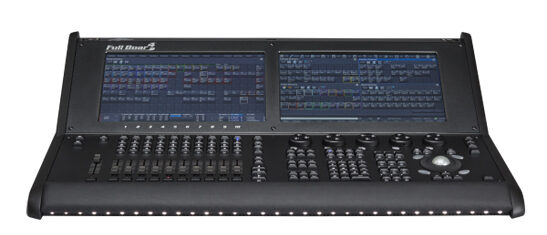
    • Full Boar 4 — two 15.6″ touchscreens, four onboard DMX universes; the Hog 4’s power in a more compact, affordable package.
    • Road Hog 4 — a 22″ touchscreen and four onboard universes in a compact touring form.

    All run Hog 4 OS, with a free PC version (Hog 4PC).

    Where Hog fits

    Hog has a solid following in live events and touring, particularly in the US. Since ETC acquired High End Systems in 2017, the line has continued under that umbrella. In Europe the installed base is smaller than MA, Avolites or ChamSys — worth weighing for operator availability and support.

    FAQ

    Is the Hog 4 still current?

    The family is mature and still in use, though it predates the latest flagship generations.

    Can I learn Hog on a computer?

    Yes — Hog 4PC is free. See our control software guide.

  • MA Lighting Consoles Explained: the grandMA Maker

    MA Lighting is the German manufacturer behind the grandMA series — one of the most influential names in professional lighting control, found on major tours, festivals, broadcast productions and theatre rigs worldwide. This is the brand overview; for the consoles themselves, see our grandMA console guide. For the wider landscape of professional control, see our professional buyer’s guide.

    The company and the standard

    Based in Germany, MA Lighting built its reputation on the grandMA platform, which became a de facto control standard for large-scale live production. When a rider specifies “MA,” this is the ecosystem it means.

    The product line

    • grandMA3 — the current generation (integrated 3D, native GDTF).
    • grandMA2 — the previous generation, still widely used and strong on the second-hand market.

    Full detail in our grandMA console guide.

    The ecosystem

    Part of MA’s strength sits around the console: the MA University training program (certified worldwide, e-learning plus hands-on), onPC software for offline work, and the open GDTF fixture standard, which MA co-created with Robe and Vectorworks. (Sources : MA Lighting.)

    FAQ

    Is “MA Lighting” the same as “grandMA”?

    MA Lighting is the company; grandMA is its console line. People often use the names interchangeably, but strictly the desk is a grandMA, the maker is MA Lighting.

    Where do I start to learn MA?

    The MA University and onPC software. See our control software guide.

  • grandMA Lighting Consoles: grandMA3 and grandMA2

    For touring and large events, the grandMA series from MA Lighting is the platform to beat — the control standard on a huge share of the world’s major shows. This guide covers the current grandMA3 and the still-everywhere grandMA2. For the bigger picture, see our professional buyer’s guide; for the company behind it, see our MA Lighting overview.

    grandMA3 — the current range

    grandMA3 is MA’s current generation, with a built-in 3D visualizer and native GDTF support. It comes in full-size, light, compact and onPC forms, scaling from a laptop setup to the largest touring rigs.

    grandMA2 — still everywhere

    Production of grandMA2 has ended, but it remains heavily used in rental and touring inventories — and on riders. The grandMA2 light offers 4,096 parameters, 15 motorized faders and two touchscreens; the ultra-light, 4,096 parameters and 6 DMX outputs. It’s a mainstay of the used market.

    Why grandMA dominates touring

    Three reasons: it’s the rider standard, so you can always find a trained operator; it scales to the biggest rigs; and it’s battle-tested. That ecosystem is as much the product as the hardware.

    FAQ

    grandMA2 or grandMA3?

    grandMA3 is the future-proof choice; grandMA2 (or a grandMA3 running in MA2 mode) remains relevant for existing setups and the used market.

    Can I program grandMA on a laptop?

    Yes — grandMA onPC runs the software on a computer. See our control software guide.

  • ETC Eos Lighting Consoles: The Family Guide

    If you work in theatre, one name dominates: ETC (Electronic Theatre Controls) and its Eos family of consoles. From education desks to flagship rigs, the whole range runs the same Eos software. This guide walks through the family and where each model fits. For the wider landscape, see our guide to professional DMX lighting controllers.

    The Eos family at a glance

    • Eos Apex (5 / 10 / 20) — the flagship; the Apex 20 drives 24,576 outputs.
    • Gio @5 — 4,096–24,576 outputs, five motorized faders, an 18.5″ touchscreen.
    • Ion Xe / Ion Xe 20 — 2,048–12,288 outputs; the Xe 20 adds 20 faders.
    • Element 2 — 1,024–6,144 outputs; the entry into the Eos family.
    • ETCnomad — the Eos software on PC/Mac (see our control software guide).

    Specs: etcconnect.com. Prices via a specialist dealer.

    Why theatre chooses ETC

    Eos is built around cue-based (tracking) operation — write a show once, play it back identically every night — which is exactly what theatre, opera and dance need. Add proven reliability in institutional venues and a coherent ecosystem (Source Four fixtures, dimmers, networking), and you have a platform people learn once and use everywhere.

    ColorSource is not Eos

    ETC also makes the ColorSource line — a separate, simpler platform that does not run Eos software. For the professional Eos environment, the Element 2 is the entry point, not the ColorSource.

    FAQ

    Which Eos console for a mid-sized venue?

    The Ion Xe is the classic workhorse for mid-sized rigs; step up to a Gio @5 for more outputs and a built-in touchscreen.

    Is there a free way to learn Eos?

    Yes — ETCnomad runs the Eos software on a computer.

  • Wireless DMX Control: A Professional Guide

    Cutting the DMX cable is tempting — no more runs across a stage, faster get-ins, fixtures where cable can’t reach. But professional wireless DMX is a world apart from the cheap wireless boxes sold to hobbyists. This guide covers the two standards that run the professional world, how they now work together, and where wireless fits in a serious rig. For the wider context, see our guide to professional DMX lighting controllers.

    The two professional standards: W-DMX and CRMX

    Since 2008, two technologies have led professional wireless DMX: W-DMX (from Wireless Solution) and CRMX (from LumenRadio). For years the industry was split between the two, which meant matching transmitters and receivers from the same camp. (Sources : LumenRadio, PLSN.)

    One unified solution

    That divide is closing. After LumenRadio acquired Wireless Solution in 2020, the two technologies were combined into a single solution: fixtures listen to both W-DMX and CRMX and automatically select whichever protocol the transmitter uses — no mode switching, no manual configuration, the link sets itself up. In practice, you can now drive wireless fixtures regardless of which camp the transmitter belongs to.

    How wireless DMX fits a professional rig

    The principle is simple: a transmitter sits at the console or a node and broadcasts the DMX; receivers built into (or attached to) the fixtures pick it up. What separates pro gear is reliability under heavy RF conditions — festivals and arenas are crowded radio environments — plus solid range and link stability.

    Wireless DMX is not wireless console control

    An important distinction: wireless DMX replaces the DMX cable to the fixtures. It is not the same as remotely controlling the console itself (that’s a separate remote/app feature). Don’t confuse the two when planning a show.

    FAQ

    Is wireless DMX reliable enough for shows?

    Professional systems are used on major tours and broadcasts every day. Reliability comes from quality hardware and good RF planning, not from the cheapest transmitter.

    Do transmitter and receiver have to match brands now?

    With the unified W-DMX / CRMX solution, cross-compatibility is the direction of travel — fixtures auto-select the transmitter’s protocol.