Category: Non classé

  • DMX Lighting Control Software for Professionals

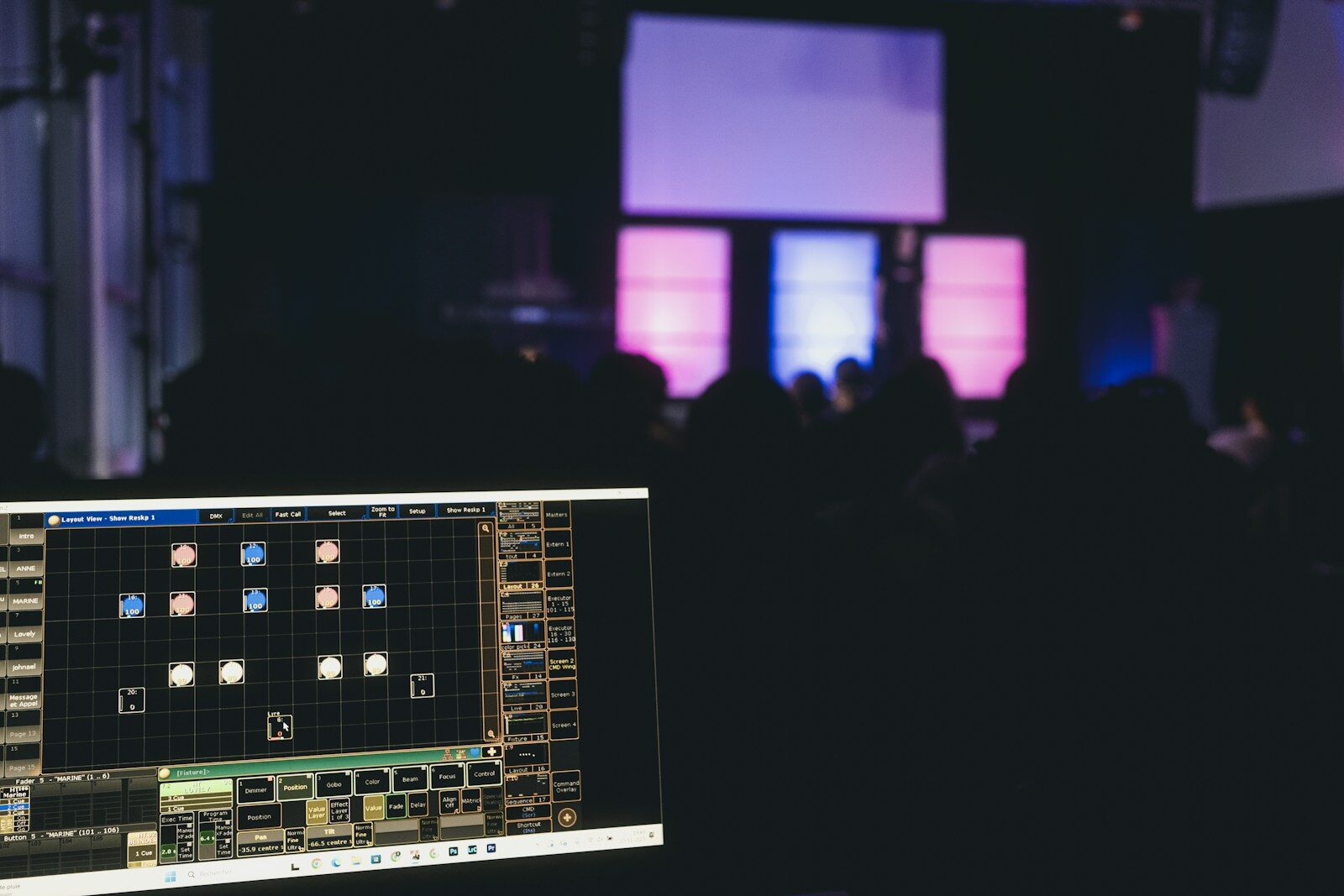
    Professional lighting control software is, in essence, the PC version of a console. It lets you program a show offline on a laptop, run a small rig through a hardware interface, or keep a ready backup of a full desk — all using the same environment the professionals already know. It has little to do with the free hobby apps aimed at DJs. Here’s what pro control software is, the major options, and why working operators rely on it. For the bigger picture, see our guide to professional DMX lighting controllers.

    What “onPC” software actually is

    The leading manufacturers ship a software version of their console — usually called onPC. It runs the very same software as the hardware desk, so a show file moves between laptop and console without translation. That continuity is the whole point: you learn one environment and use it everywhere.

    The major platforms’ software

    • ETC Eos — Eos Nomad (the Eos software on PC/Mac).
    • ChamSys — MagicQ PC.
    • High End / Hog — Hog 4PC.
    • MA Lighting — grandMA onPC.

    Each offers different output tiers and licensing depending on how much DMX you need to drive.

    Why professionals use it

    • Offline programming — build the show before you reach the venue.
    • Training — learn the real environment without tying up a desk.
    • Backup — a laptop running onPC is a cheap insurance policy mid-show.
    • Affordable entry — the software route is the least expensive way into a professional platform.

    Software plus hardware

    To send real DMX, the software needs a hardware path: a manufacturer dongle, a network node (Art-Net / sACN to DMX), or a command wing. The software programs; the interface outputs.

    FAQ

    Is professional control software free?

    Some versions are free to download for offline programming, with a paid dongle or licence required to output a meaningful number of DMX universes.

    Can software replace a full console?

    For preparation and backup, absolutely. As a main desk in heavy use, it depends on the command surface and the show — see our professional buyer’s guide.

  • What Is a DMX Controller? A Professional Explainer

    A DMX controller is the device that tells your lights what to do. It sends digital instructions — over the DMX512 protocol — to dimmers, LED fixtures, moving heads and more, setting each one’s intensity, color and movement. In short: it’s the brain of a lighting rig. This explainer covers what DMX is, what a controller actually does, and where the line sits between a hobby box and a professional console.

    What DMX actually is

    DMX512 is the standard digital language of stage lighting. A single DMX universe carries 512 channels, and each channel is one instruction — for example, the intensity of a dimmer or the red value of an LED. A fixture uses one or more channels depending on its features. When a rig outgrows 512 channels, you simply add more universes.

    What a DMX controller does

    Three core jobs:

    • Patch — tell the controller which fixtures are connected and at which addresses.
    • Program — build looks, cues and effects.
    • Play back — trigger those looks live, on faders, buttons or a timed sequence.

    A basic controller might only set channels manually; a professional console adds programming depth, effects engines, networking and reliability.

    Controller vs console: hobby vs professional

    “DMX controller” is a broad term. At the cheap end it means DJ boxes and free software with a USB dongle. At the professional end, people say lighting console (US) or lighting desk (UK) — a serious instrument built for real production work. If you’re choosing for professional use, start with our guide to professional DMX lighting controllers.

    Universes and channels: how big can it get?

    The size of show a controller can run is defined by how many channels (outputs, or parameters) it can drive. Small rigs live happily in one or two universes; large touring and theatre rigs run dozens, distributed over a network using Art-Net and sACN.

    FAQ

    Do I need a DMX controller?

    If you want to control more than a couple of simple fixtures — and especially anything with color or movement — yes. It’s what makes coordinated, repeatable lighting possible.

    Hardware controller or software?

    Both exist. Professional platforms offer a PC version that drives DMX through a hardware interface — a flexible, affordable way to learn a real environment. See our professional buyer’s guide for the full picture.

  • Lighting Desks: A Professional Guide

    In the UK and across the touring world, professionals don’t say “controller” — they say lighting desk. The word itself is a signal: a desk is a serious programming and playback instrument for real production work, a world away from the cheap boxes sold to hobbyists. This guide explains what a professional lighting desk does, the platforms that matter, and how to choose one for your work. For the wider picture, see our guide to professional DMX lighting controllers.

    Desk, console or controller?

    They broadly describe the same thing, but the register differs. In the UK, the trade term is lighting desk; in the US, lighting console; “controller” is the catch-all that also covers entry-level and DJ gear. If a product leads on its low price, it isn’t a professional desk.

    What a professional desk has to do

    Whatever the badge, a desk earns its keep on a few things:

    • Reliability and redundancy — it has to run a whole show without faltering, and offer a backup if the hardware fails.
    • A pool of trained operators — on an industry-standard desk you can always find someone to programme or operate, and it’s often what the rider specifies.
    • Networking and scale — real rigs run over Art-Net and sACN across many universes.
    • Offline tools — a PC version to programme away from the venue and keep a backup ready.

    The desks that matter

    • ETC Eos — the theatre standard, built around cue-based operation.
    • grandMA (MA Lighting) — the touring and large-event standard.
    • ChamSys MagicQ — a British favourite, known for value.
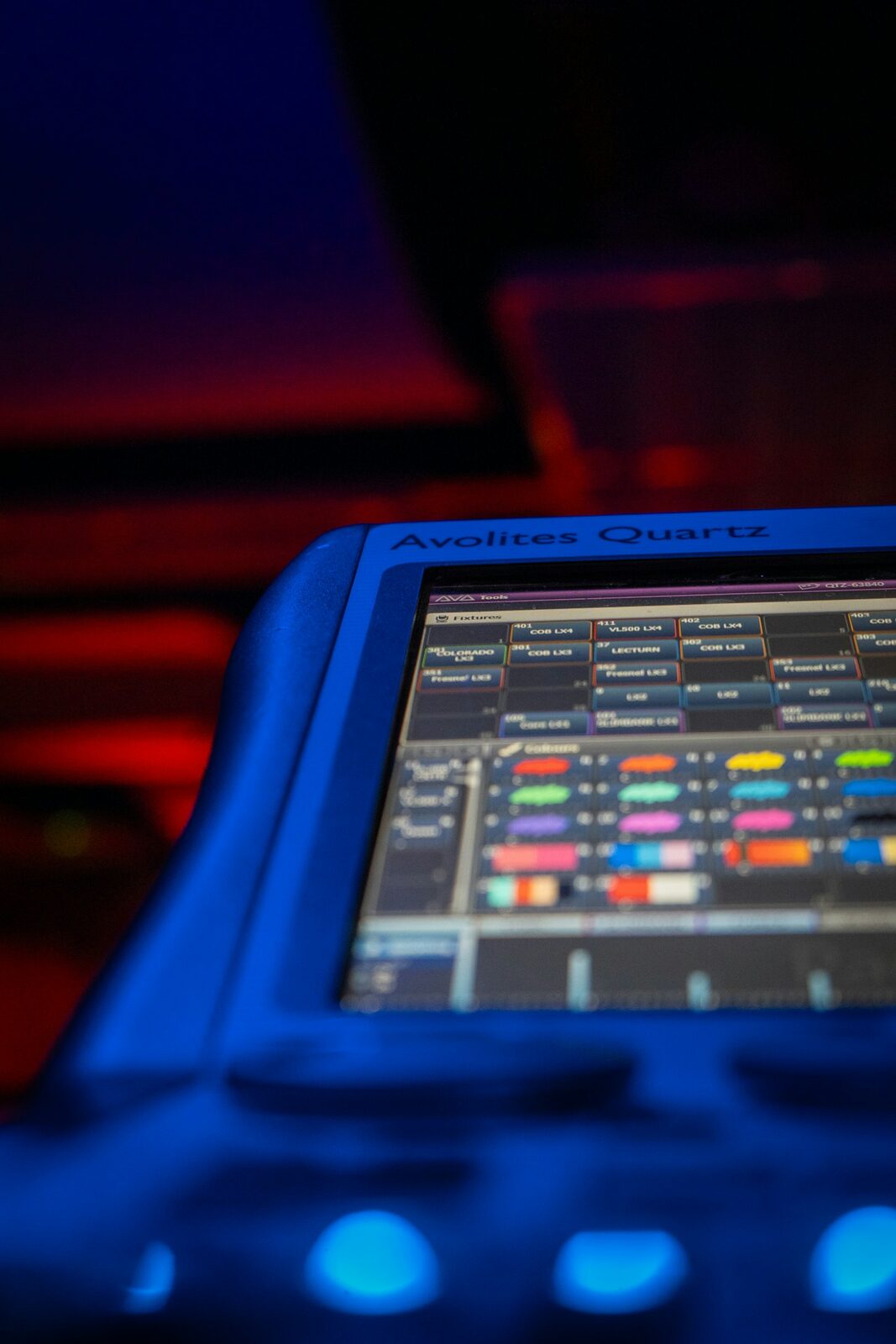
    • Avolites — a British make with a strong following in events, on Titan software.

    Detailed model guides are on the way.

    Choosing a desk for your work

    • Theatre — cue-based, repeatable programming: Eos territory.
    • Live and touring — fast, reactive operation: grandMA, Avolites or ChamSys.
    • Events — flexibility and quick turnarounds.

    Start from how you actually work, then weigh the criteria above. Our professional buyer’s guide takes you through the full decision.

    FAQ

    Is a lighting desk the same as a lighting console?

    Yes — “desk” is simply the British term for what Americans call a console. Both mean a professional programming and playback instrument.

    Which lighting desk should a smaller venue choose?

    Look at how many fixtures you run and whether you need moving lights, then favour a desk with a healthy local pool of operators and solid support.

  • Professional DMX Lighting Controllers: Choosing the Right Console for the Job

    Search “DMX controller” online and you’ll drown in eighty-dollar DJ boxes and free software dongles. None of them will get you through a show that actually matters. This guide is for working professionals — theatre, touring, corporate and live events — who need a console they can trust under pressure. We’ll cut through the hobbyist noise, define what “professional” really means in lighting control, and map the platforms the industry actually runs on. New to all this? Start with what a DMX controller actually is.

    Controller, console or desk?

    The words matter, because they signal who a product is built for.

    • In the US, working professionals talk about a lighting console (or, loosely, a controller).
    • In the UK and much of the touring world, it’s a lighting desk.
    • The cheap “DMX controllers” that flood online stores — DJ-oriented boxes, basic fixture controllers, free software with a USB dongle — are a different world entirely.

    A professional console is a programming and playback instrument built for reliability, scale and repeatability. If a product’s headline feature is its price, it isn’t one.

    What makes a controller “professional”?

    Forget the spec sheet for a moment. These are the things that decide whether a console survives real production work.

    • Reliability and redundancy. Can it run for weeks without a reboot — and what happens if it fails mid-show? Professional platforms offer backup / tracking redundancy so a single hardware fault doesn’t kill the lights.
    • A trained-operator ecosystem. A console is only as good as the person driving it. Industry-standard platforms mean you can always find someone to operate, cover or take over — and they’re often what the rider demands.
    • Network and scale. Real rigs run over Art-Net and sACN, addressing dozens of universes. The number of outputs (parameters) a console can drive defines the size of show it can handle.
    • Software and offline tools. Professional platforms run on a PC (onPC / software) so you can program offline, train an operator, or keep a backup ready without the full desk.
    • Total cost of ownership. The sticker price is the tip of the iceberg: training, wings and extensions, maintenance and resale value all count. A “cheap” console nobody can operate costs more than a well-run standard.

    The professional platforms at a glance

    A handful of platforms run the professional world:

    • ETC Eos — the theatre standard, built around cue-based (tracking) operation.
    • grandMA (MA Lighting) — the de facto touring and large-event standard.
    • ChamSys MagicQ — known for value and accessibility.
    • Avolites — a strong presence in events and touring, on Titan software.
    • Hog / High End Systems — established in live events, especially in the US.

    Each of these deserves its own deep dive — dedicated model guides are on the way.

    Which console for which job?

    The “best” console depends entirely on the work you do:

    • Theatre / cue-based shows → ETC Eos territory: write a show once, play it back identically every night.
    • Touring / live busking → grandMA, Avolites or ChamSys, built for reactive, on-the-fly operation.
    • Corporate & events → flexible, fast platforms with strong network support and quick turnarounds.
    • Fixed install → reliability and operation by non-specialists come first.
    • Churches & houses of worship → easy operation for volunteers, repeatable services, livestream-friendly.

    Use-case guides covering each of these are on the way.

    Software and wireless control

    Two areas worth flagging early:

    • Control software. Every major platform ships a PC version (Eos Nomad, MagicQ PC, Hog 4PC, grandMA onPC) for offline programming and backup.
    • Wireless DMX. Professional wireless relies on standards like W-DMX and LumenRadio CRMX — a different league from the cheap wireless boxes sold to hobbyists.

    FAQ

    Is a DMX controller the same as a lighting console?

    Loosely, yes — but in professional use, “console” (or “desk” in the UK) implies a serious programming and playback instrument, while “controller” often refers to entry-level or DJ gear. Intent matters more than the label.

    What consoles do professionals actually use?

    On major tours, in theatre and in broadcast, you’ll most often find ETC Eos and grandMA, with ChamSys and Avolites widely used across events.

    What’s the most affordable way into a professional console?

    The software route. Run a platform’s PC version (onPC / Nomad / MagicQ PC) with a hardware node or wing: you learn the real environment for a fraction of the price of a full desk.

    The bottom line

    Choosing a professional DMX lighting controller isn’t about finding the “best” box — it’s about matching a platform’s workflow, ecosystem and reliability to the work you actually do. Start from your use case, weigh the criteria above, and never treat redundancy as an afterthought.