
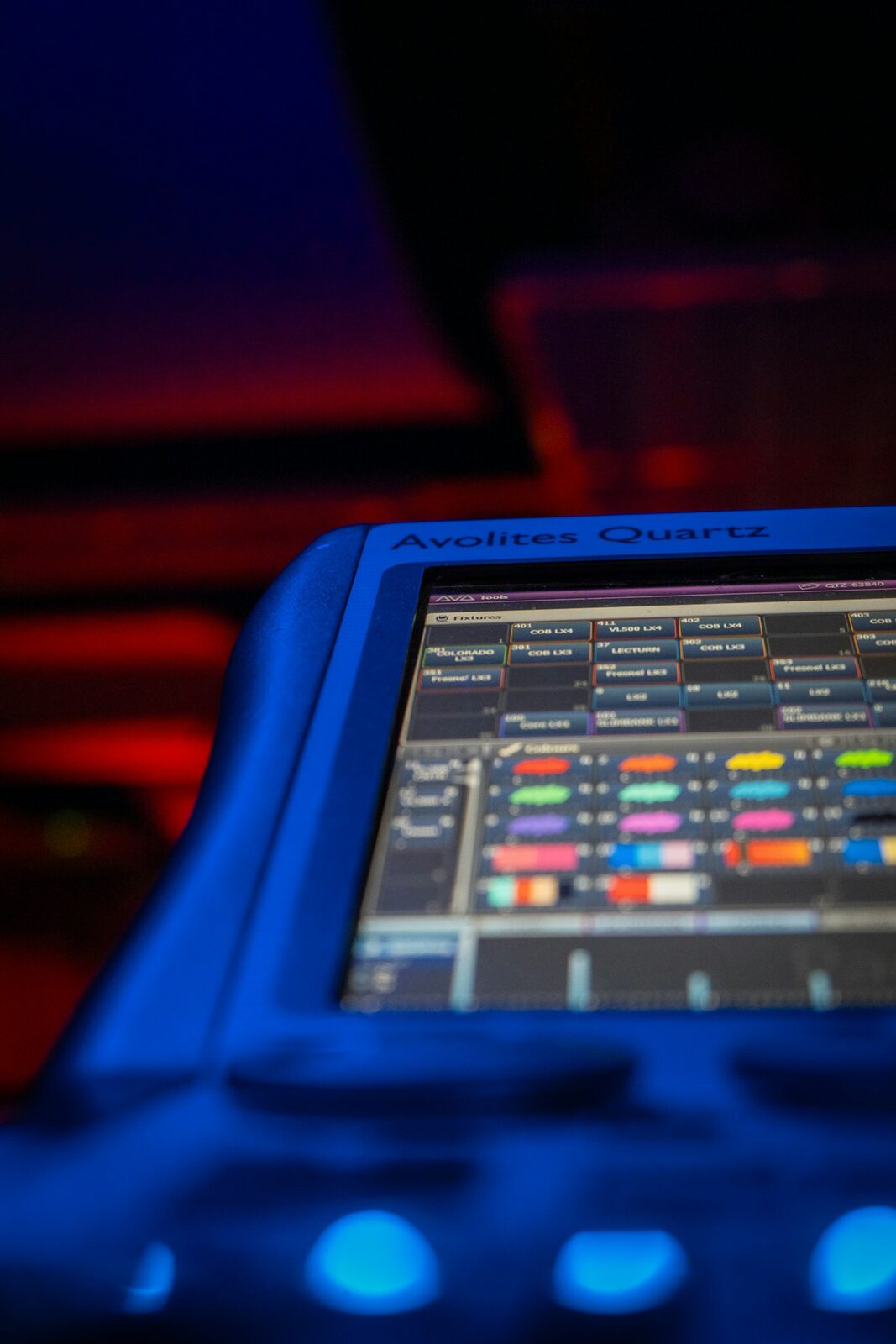
A stage lighting controller is what turns a rig of fixtures into a show — from a simple controller for a few washes to a full professional console. The term covers an enormous range of gear, and the right choice depends far more on what you’re lighting than on the label on the box. This guide explains the types and how to choose between them. For the full professional picture, start with our guide to professional DMX lighting controllers.
From simple controllers to full consoles
“Stage lighting controller” covers a wide range. At the simple end sit compact controllers that set channels and run basic chases — enough to bring up a few pars and washes and step through some looks. At the professional end are full lighting consoles with deep programming, effects engines and networking across many universes. Between those poles lives a whole middle ground of capable small consoles that handle moving lights and cues without the price or complexity of a flagship. What you actually need depends on how many fixtures you run and, above all, how many of them move — a rig of static dimmers and LED washes asks very little of a controller, while a handful of moving heads changes the equation completely.
Stage lighting control software
You can also control a rig from a computer: stage lighting control software drives DMX through a hardware interface, a flexible and affordable route that has become genuinely professional. The leading manufacturers ship a PC version of their console software, so you can learn the real environment on a laptop, program a show offline, and output DMX through a dongle or a network node when it’s time to run it. For anyone starting out or working to a budget, this is often the smartest first step — you invest in skills that transfer directly to hardware later. See our control software guide.
How to choose
Small fixed rig of dimmers and LED? A simple controller works, and spending more buys you little. Moving lights, multiple universes, repeatable shows? You want a real console — weigh reliability, the operator ecosystem and total cost as covered in our buyer’s guide. Be honest about where your rig is heading, not just where it is today: the most common regret is buying a basic controller, adding a couple of moving heads a few months later, and discovering that programming them on the cheap box is slow and painful. If moving lights are anywhere on your horizon, start with a controller or software that handles them properly and grow into it.
Match the controller to the venue
Beyond fixture count, think about who will run the rig and how often the show changes. A house of worship or a school hall that repeats the same handful of looks week to week values simplicity and repeatable presets over raw programming depth. A mobile operator who faces a different room every night wants fast, hands-on control and quick patching. A permanent theatre install prioritizes reliability and a workflow that a rotating cast of volunteers can learn. There’s no single “best” controller — only the one that fits the fixtures, the operators and the kind of shows you actually do, which is why it pays to define those three things before you shop. Write them down honestly, and the shortlist tends to pick itself: the fixture count sets the floor for capability, the operators set the ceiling for complexity, and the type of show decides whether you prize cue playback or fast live control.
FAQ
Controller or console — what’s the difference?
Loosely the same idea, but “console” implies a serious programming instrument while “controller” spans everything from entry-level to pro. Intent matters more than the word — read the feature set, not the name on the front panel.
Is there a controller for stage lights with software?
Yes — most professional platforms offer a PC version that drives DMX through a hardware interface. It’s a flexible, affordable way to learn a real environment and to keep a backup ready.
What controller do I need for moving lights?
Anything with a proper fixture library and an effects engine — a real console or professional software, not a basic scene-and-chase box. Programming pan, tilt, gobos and color by hand on a simple controller is slow and frustrating.
Photo credit: Unsplash
Where to buy : MA Lighting grandMA3 compact
| Retailer | Why | |
|---|---|---|
| Music Store | Competitive price, European stock, fast delivery | Check price at Music Store → |
| Amazon | Fast shipping, used and renewed units | See on Amazon → |
Affiliate links: the price is the same for you, the commission funds our tests. As an Amazon Associate we earn from qualifying purchases.
Read also: Stage Lighting Control System: How It Works and How to Design One (Theater, Concert, Church)
💡 Essential accessories for your lighting console
This page contains affiliate links. If you buy through them, we may earn a commission at no extra cost to you.
- DMX cable, 5-pin, 5 m : Stairville PDC5CC 5,0 m
- DMX terminator, 5-pin : Stairville DMX Terminator XLR 5-Pol
- DMX splitter, 2 outputs (3/5-pin) : Enttec D-Split (XLR 3 et 5 broches)
- USB gooseneck lamp : Adam Hall SLED 1 Ultra USB