
As an Amazon Associate I earn from qualifying purchases.
A lighting console is a fragile investment that travels: between gigs, a flight case isn’t a luxury but insurance. Faders, encoders and touchscreens are the first things to fail when a desk is thrown in a van loose, and a replacement fader bank or cracked screen costs far more than the case would have — to say nothing of the show you can’t run while the desk is away for repair. Here’s how to choose well.
Why a flight case?
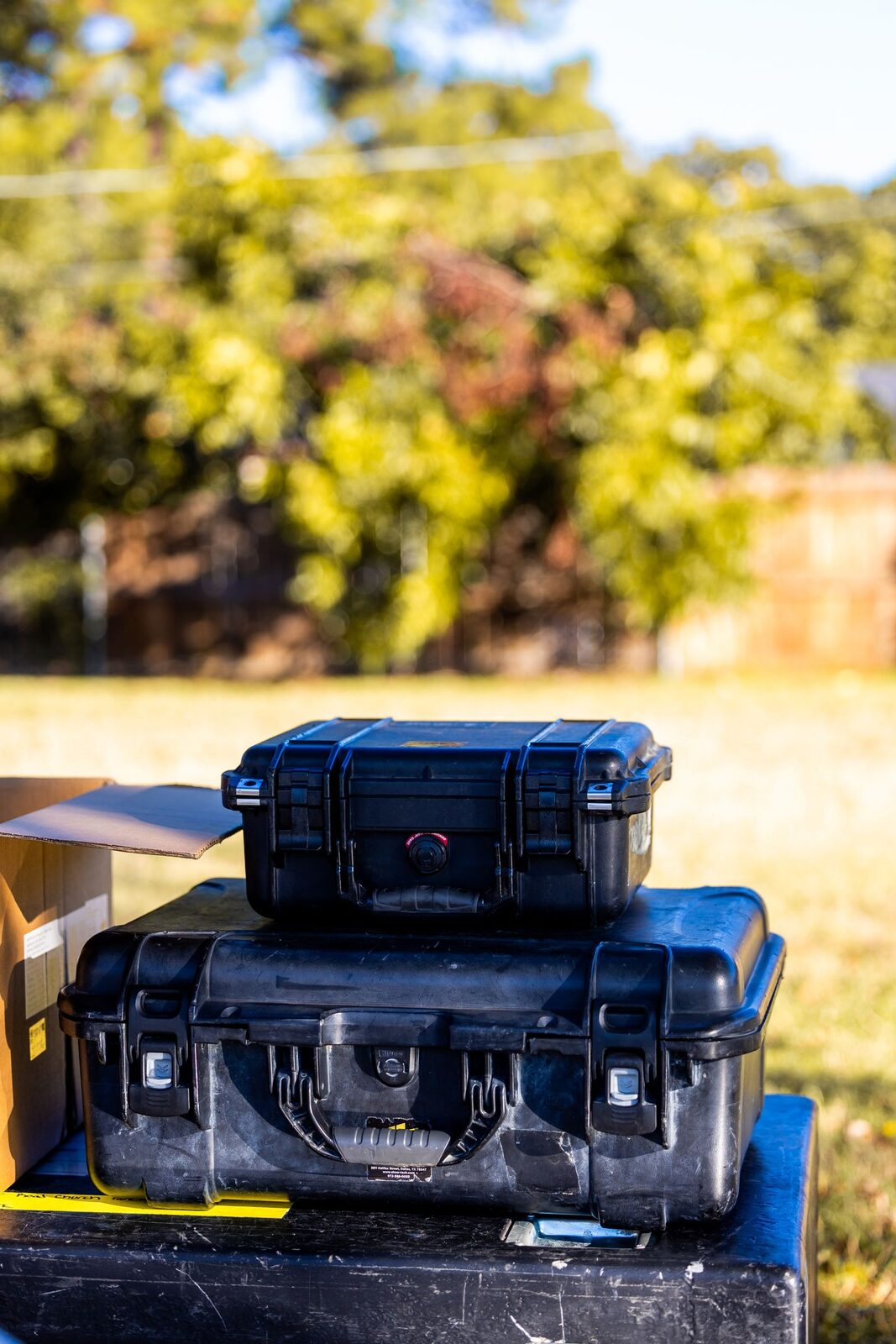
Faders, encoders and screens hate knocks and dust. A rigid flight case protects the console in transport and storage, where a simple cover no longer cuts it once you’re touring. It also protects the show: a desk that arrives with a dead encoder or a shattered screen can stop a get-in cold, and few venues keep a spare. Think of the case as part of the console, not an accessory — the same way you’d never ship a camera body without one. See flight cases on Amazon.
Custom foam or universal
- Custom case: foam cut to the console model, perfect fit — ideal if your model is catalogued. The desk sits in a shaped bed that holds it against shock from every direction, and there’s no movement to work connectors or faders loose in transit.
- Universal pick-and-pluck foam case: pull out the cubes to fit any shape. Versatile and cheaper, and the obvious choice if your console isn’t a common catalogued model or if you move different gear from job to job.
The details that matter
For larger consoles, wheels and reinforced handles are a game-changer — a full-size desk in a case is genuinely heavy, and castors save backs and get-in time. Check the butterfly latches, metal corners and, if needed, a front lid that frees access to the faders without unpacking everything. Recessed handles and latches survive stacking better than protruding hardware, and a removable lid over the playback surface lets you patch and pre-programme with the desk still in its case.
Protect the screen and the connectors
The two most expensive things to replace on a modern console are the touchscreen and the connector panel. Good foam should support the screen without pressing on it, and the case should leave the rear connectors protected but accessible — a lid that closes onto plugged-in cables is asking for a bent connector. If your desk lives on a wing or has an external monitor, make sure they travel in the same protected package rather than loose in the truck.
Rack format for small surfaces
Compact controllers or nodes can live in a small rack or a rigid case in a laptop format. For a control wing, a USB-DMX interface and a laptop, a padded hard case or a shallow rack drawer keeps the whole control package together and protected, so you grab one case and know the entire control chain is inside. Compare flight cases on Amazon.
Buying checklist
- Fit — snug enough that the desk can’t shift, with foam supporting the screen and faders.
- Build — plywood or ABS shell, metal corners, quality butterfly latches.
- Mobility — castors and solid handles on anything full-size.
- Access — a front or top lid if you want to work the desk in the case.
- Weight — a heavier case protects more but costs you at the loading dock; balance the two for how you actually travel.
FAQ
Is a soft bag enough?
For occasional, careful transport of a small controller, maybe. For anything that tours or ships in a van with other gear, a rigid case is the only real protection for faders and screens.
Custom or universal foam?
Custom if your model is catalogued and you keep the same desk; universal pick-and-pluck if you move mixed gear or an uncommon console.
Do castors really matter?
On a full-size desk, absolutely — a loaded case is heavy, and wheels save both your back and precious minutes at every get-in and load-out.
Photo credit: Pexels
See lighting flight cases on Gear4music →
This page contains affiliate links. If you buy through them, we may earn a commission at no extra cost to you.
💡 Essential accessories for your lighting console
This page contains affiliate links. If you buy through them, we may earn a commission at no extra cost to you.
- Flight case : ChamSys Flight Case QuickQ 30+
- Flight case : Thon Case ChamSys MagicQ MQ50/70
- Flight case : Thon Case ETC ColorSource 20
- Flight case : Thon Flightcase Vari-Lite FLX S24
- Flight case : Thon Case grandMA3 Command Wing
- Dust cover : ETC Dust Cover ColorSource 40