
The ChamSys QuickQ range is the company’s “easy mode” — a friendlier, touchscreen-led way into ChamSys for people who do not need the full depth of MagicQ. Crucially, it is a genuine small console rather than a basic controller, and owners say it punches well above its price. Here is an honest owner-level look, framed as a synthesis of community opinion rather than a hands-on test.
Where these takes come from
A synthesis of recurring owner opinions across English-speaking communities (r/lightingdesign, ControlBooth, Blue Room). See also our ChamSys MagicQ review and best console for beginners. Throughout, the framing is honest: this is what owners consistently report, not first-hand bench testing.
What owners love
1. Genuinely easy to learn
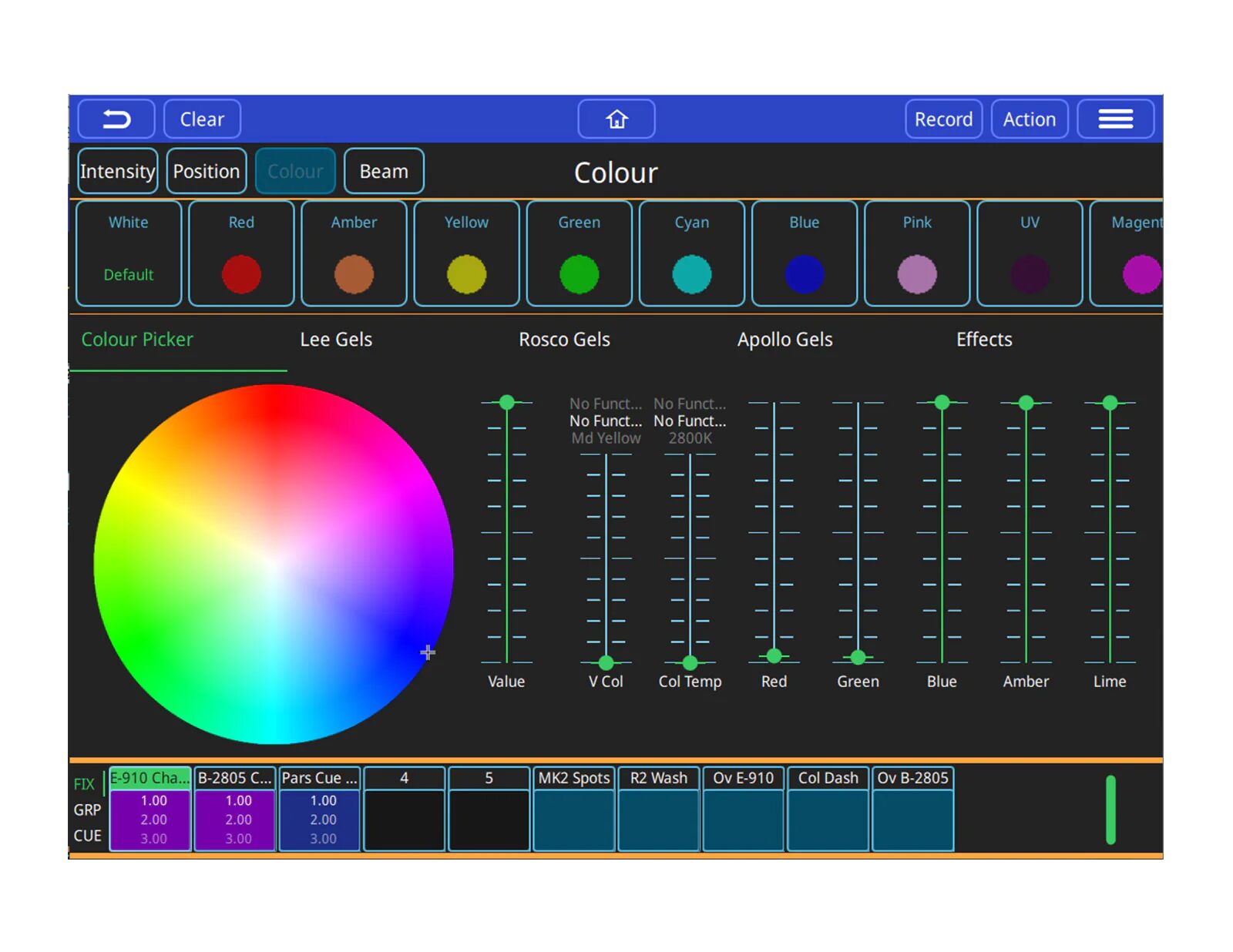
This is the whole point of QuickQ, and owners confirm it delivers. A clean, touchscreen-driven workflow lets newcomers pick it up fast, while hardware faders and encoders keep the hands-on feel that live operators want. Owners coming up from basic controllers describe it as a big step up that somehow still feels approachable — capability without intimidation.
2. Real moving-light control
Unlike a cheap controller, QuickQ handles moving heads, color and effects properly. It has a real fixture library and a built-in effects engine, so pan/tilt, gobos and multi-parameter fixtures are managed the way a proper console should manage them. For owners whose rigs are growing beyond simple pars, that is the feature that justifies the step up.
3. ChamSys reliability and support
QuickQ carries the ChamSys reputation for solid, gig-ready hardware and an active community. Owners point to that heritage as reassurance — you are buying into an established platform with real support behind it, not a throwaway box.
4. A clear upgrade path
The skills and concepts you build on QuickQ transfer toward MagicQ if you later want the deeper platform. Owners like that they are not learning a dead-end interface: time invested now pays off if the shows get bigger and MagicQ becomes the goal.
What owners flag
1. Less depth than MagicQ
The trade-off for simplicity is real: QuickQ deliberately hides much of MagicQ’s deep busking power. Heavy programmers will eventually hit its ceiling, and owners with ambitious, complex shows say so plainly. For its target user that ceiling is high enough; for a power user it is a genuine limit.
2. Fixed window layout
The streamlined UI that makes QuickQ beginner-friendly is also less flexible than MagicQ’s freeform windows. Owners who like to customize their screen real estate find the fixed layout constraining, even as newcomers appreciate not having to design their own workspace.
3. You may outgrow it
For big, complex shows, serious operators often move up to MagicQ. That said, many owners note that QuickQ is all they ever actually need — whether you outgrow it depends entirely on where your work is heading.
Who it’s for
QuickQ is ideal for small-to-mid venues, schools, houses of worship and mobile ops who want a real console — moving lights, effects, reliability — without MagicQ’s learning curve. If you want maximum depth or run large festival rigs, look at MagicQ; if theatre cue-stacks are your world, see the Zero 88 FLX.
My honest take
Pulling it together, QuickQ is one of the easiest ways to get a real, capable console at an accessible price. You give up some of MagicQ’s deep power in exchange for a much gentler learning curve — a trade most of its target users happily make. The editorial synthesis: it is a standout pick for anyone stepping up from a basic controller who wants moving-light and effects capability without the steep ramp. See our best console under $1,000.
FAQ
Is the ChamSys QuickQ good for beginners?
Yes — it is designed to be easy, with a touchscreen workflow, while still handling moving lights and effects like a real console rather than a basic controller.
QuickQ or MagicQ?
QuickQ for easy learning and small-to-mid shows; MagicQ for maximum depth, busking power and large rigs. Skills transfer upward, so QuickQ is a safe place to start.
Can QuickQ run moving heads?
Yes — it has a real fixture library and effects engine, so moving heads, gobos and multi-parameter fixtures are handled properly, unlike on basic controllers.
Who is QuickQ best for?
Small and mid venues, schools, worship and mobile operators who want a real console without the steep curve of a full professional platform.
Photo credit: Photo: ChamSys (chamsyslighting.com)
Affiliate links: the price is the same for you, the commission funds our tests. As an Amazon Associate we earn from qualifying purchases.Where to buy : ChamSys QuickQ 20
Retailer Why Music Store Competitive price, European stock, fast delivery Check price at Music Store → Amazon Fast shipping, used and renewed units See on Amazon →
💡 Essential accessories for your lighting console
This page contains affiliate links. If you buy through them, we may earn a commission at no extra cost to you.
- Flight case : ChamSys Flight Case QuickQ 10+/20+
- DMX interface for MagicQ PC : ChamSys MagicQ Magic DMX Full Dongle
- Control surface for MagicQ : ChamSys MagicQ Mini Connect
- DMX cable, 5-pin, 5 m : Stairville PDC5CC 5,0 m
- DMX terminator, 5-pin : Stairville DMX Terminator XLR 5-Pol
- DMX splitter, 2 outputs (3/5-pin) : Enttec D-Split (XLR 3 et 5 broches)